Find Wi-Fi/Data Abroad: Your Reliable Guide
Ever thought, how do I find reliable Wi-Fi or affordable data while abroad? In our world today, being able to connect to the internet overseas is crucial. For digital nomads and travelers alike, staying online is essential for work or keeping in touch.
T-Mobile helps U.S. users with a certain plan get 2G speeds in over 140 countries without extra cost. Meanwhile, Google Fi lets you use your data in many places around the world. With the need for fast speeds for video calls, having strong internet connection is important.
From busy city streets to isolated spots, making internet plans is a must-do. This guide starts your quest to find dependable and cheap internet worldwide. We’ll show you how to get the best online access, no matter where you go.
Importance of Staying Connected While Traveling
Traveling abroad is both challenging and exciting. It’s important to stay connected. Whether you’re lost, keeping in touch with family, or dealing with work, reliable Wi-Fi makes travel better.
Navigation is a big reason to stay connected. Online maps work best with stable internet. Though 45% of travelers download maps to save data, live updates need Wi-Fi. Plus, 70% say being online is key for a good trip.
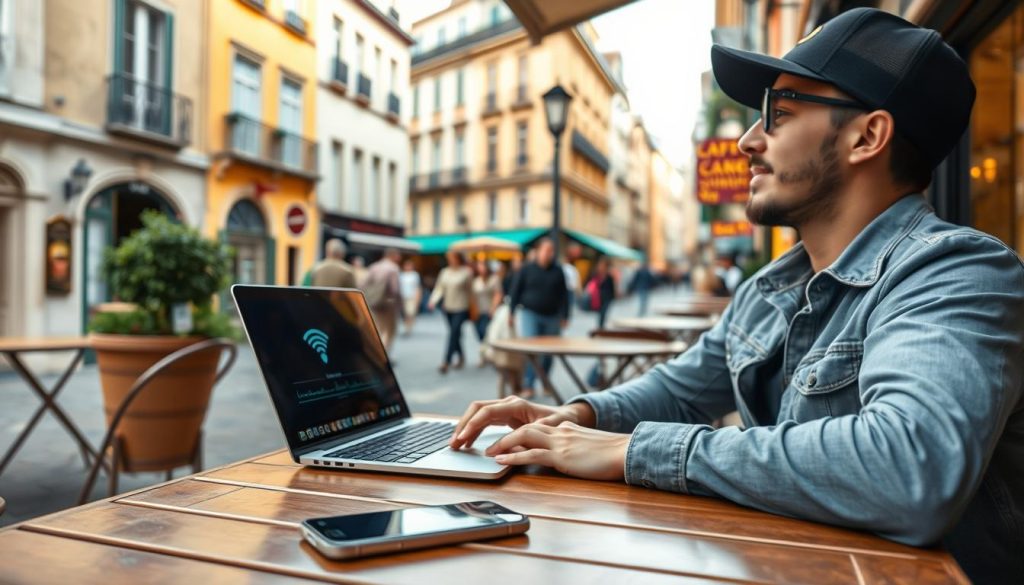
Keeping up with family and friends is crucial. Messaging apps are cheaper than texts by 50%. Google Fi offers unlimited texts in over 200 countries, making it easy to stay in touch.
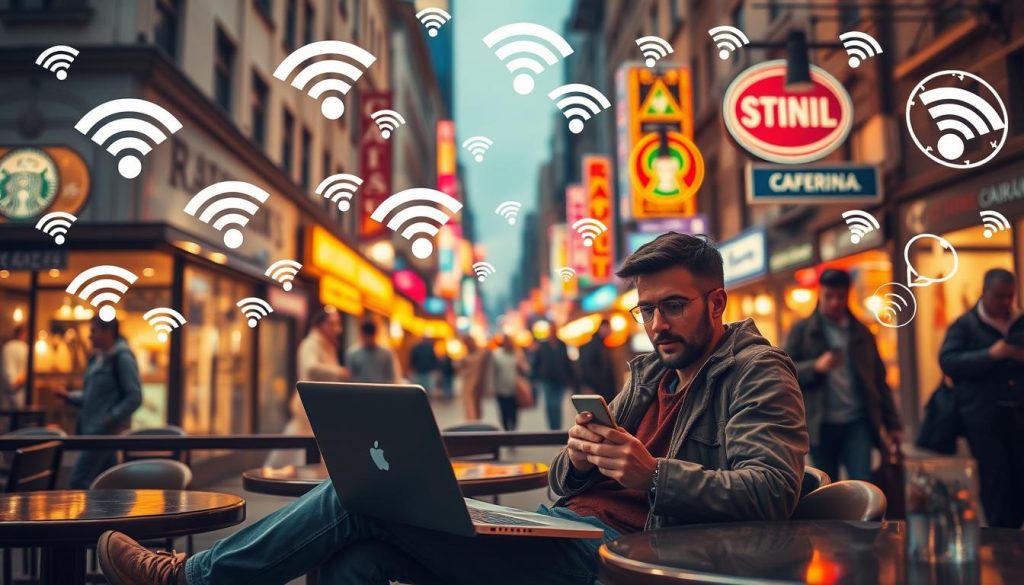
In emergencies, good Wi-Fi is a must. It helps solve problems fast. About 60% of public places like cafes have Wi-Fi. Using a VPN for safety costs about CAD $5 to CAD $12 monthly.
Tech makes travel better. You can share moments online, find great places to eat, or translate languages instantly with Wi-Fi. Options like local SIM cards save up to 80% on data. Portable Wi-Fi costs about $8 a day, much cheaper than roaming.
Choosing the best Wi-Fi abroad affects your trip a lot. Knowing cost, availability, and reliability is crucial. Good info and updates make travel safer and more fun, no matter where you go.
How do I find reliable Wi-Fi or affordable data while abroad?
Traveling abroad? It’s important to stay connected. There are many ways to find reliable Wi-Fi or cheap data options. You can use public Wi-Fi, local SIM cards, or eSIMs. Each option has its pros and cons for travelers.
Many travelers use public Wi-Fi available in hotels and restaurants. This is often free with your stay or meal. It’s a great option in well-developed areas. But remember, these networks may not be secure. Always use a VPN with public Wi-Fi.
For a secure connection, consider a mobile hotspot. Devices like the T-Mobile Inseego 5G MiFi M2000 or Verizon’s Jetpack MiFi 8800L are great options. They let you connect multiple devices at once. Here is a quick look at some top choices:
| Device | Max Connections | Price Range |
|---|---|---|
| T-Mobile Inseego 5G MiFi M2000 | 30 devices | $399.99 |
| Verizon Inseego Jetpack MiFi 8800L | 15 devices | $249.99 |
| NETGEAR Nighthawk M1 | 20 devices | $429.99 |
| Alcatel LINKZONE | 16 devices | $69.99 |
| Huawei E5577Cs-321 | 10 devices | $89.99 |
| GlocalMe G4 Pro | 10 devices | $169.99 |
Local SIM cards and eSIMs are great for cheaper rates. They can slash roaming costs by up to 95%. Many countries offer affordable prepaid data plans. This is a smart option for budget travelers.
You can also get an international plan from your phone company. AT&T offers a good plan for about $60 a month. T-Mobile’s Magenta MAX plan is another option for cheaper data while traveling.
In the end, the best way to stay online depends on your trip and needs. Whether you choose public Wi-Fi, a mobile hotspot, a local SIM, or an international plan, you have many choices. Stay connected easily without spending too much.
Planning Ahead: Prepping for Internet Access Abroad
Getting ready for Internet access abroad is key for travelers. It’s important to back up your data, encrypt your devices, and use security apps. These steps make your trip safer and more enjoyable.
Backup Data and Encrypt Devices
Backup your data before you leave. About 40% of travelers do so at least once a week before their trip. This keeps your information safe from theft or loss, affecting 30% of travelers. Cloud services like Dropbox or OneDrive are used by 60% of travelers for an extra backup.
Encrypting your devices protects your info even more. Encryption makes your data unreadable without the correct password. This stops others from accessing your information without permission.

Use of “Find My Phone” Apps
Install “Find My Phone” apps for an added security layer. These apps help you find your device if it gets lost or stolen. They can also remotely lock or delete your data for extra safety.
Updating Software and Passwords
Make sure to update your software and passwords for internet safety. Keeping your device’s software up to date protects against security risks. Using strong, unique passwords helps keep unwanted visitors out. Sadly, only 40% of travelers use strong passwords. Also, two-factor authentication, used by 54% of travelers, adds more protection.
| Security Measures for Travel | Benefits |
|---|---|
| Backup Data | Protects from loss/theft, allows recovery |
| Encrypt Devices | Prevents unauthorized data access |
| Use “Find My Phone” Apps | Locate device, remote lock/erase |
| Update Software | Protects against vulnerabilities |
| Update Passwords | Prevents unauthorized account access |
| Enable Two-Factor Authentication | Adds extra security layer |
Using Public Wi-Fi Safely
When we’re out and about, we often use public Wi-Fi networks. But, these networks can be risky. So, it’s important to use them safely. Here’s how you can keep your information safe on Wi-Fi.

Disable Auto-Connect Settings
Make sure your device’s auto-connect is turned off. This prevents it from joining unsafe networks without you knowing. It’s a simple step that helps avoid data breaches.
Avoid Accessing Sensitive Information
Public Wi-Fi networks aren’t very secure. So, try not to check your bank or personal emails. They don’t have strong protection, which means you could be at risk. When possible, use networks that have “https” in their URL for more security.
Log Out of Accounts and Use VPNs
Always sign out after you’re done with your online tasks. And use a VPN on public Wi-Fi for extra safety. VPNs keep your online activities private. This is really important for keeping your data safe from hackers, especially on public Wi-Fi.
In 2020, the FCC started Keep Americans Connected. It asked ISPs like Xfinity to offer free Wi-Fi. Many of these offers have ended, but reliable internet is still a must. Places like cafes and libraries offer it, which shows why following these safety tips is crucial.
| Security Measure | Description | Impact |
|---|---|---|
| Disable Auto-Connect | Prevent devices from automatically joining unsecured networks | Reduces vulnerability to accidental data breaches |
| Avoid Sensitive Information | Refrain from accessing personal or financial data on public Wi-Fi | Minimizes the risk of identity theft and malware |
| Use VPNs | Encrypts internet activity to make data interception difficult | Significantly enhances security and privacy |
By using these tips, you’ll be safer and keep your private info secure. It lets you enjoy public Wi-Fi more safely during your travels.
Benefits and Drawbacks of eSIMs
Exploring eSIMs can make your travels smoother. Yet, it’s crucial to know their pros and cons.
How to Get an eSIM
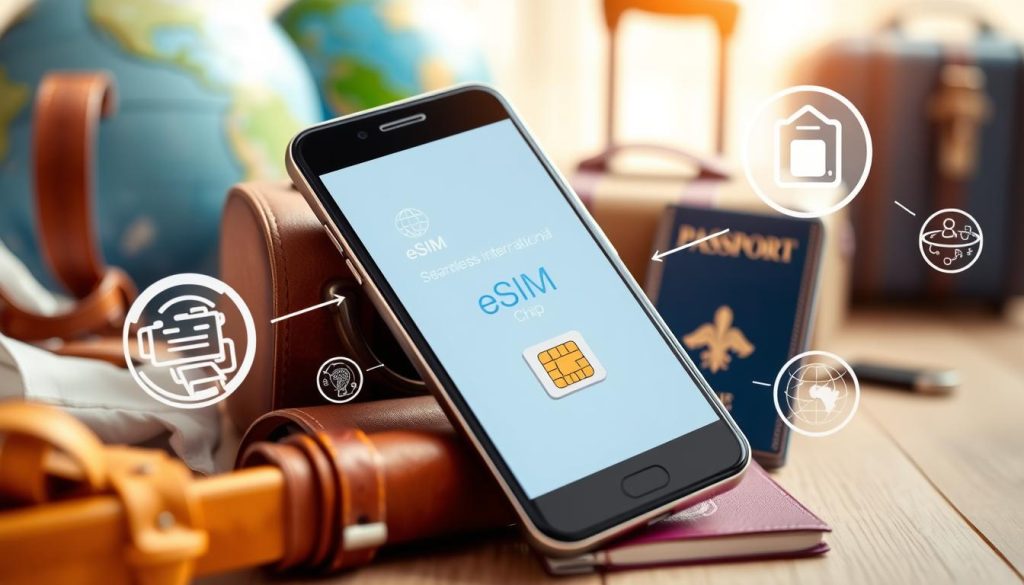
Getting started with an eSIM is quick. You buy it online and activate it with QR codes or apps. You need Wi-Fi to set it up. iPhones starting from the XS model don’t need a physical SIM, which makes things easier. Buying a prepaid plan might ask for ID, like a passport.
Cost and Availability of eSIMs
eSIMs have different prices based on where you go and how you use them. In the U.S., daily international coverage can cost around $10. Airalo and others offer regional eSIMs for about $16 to $20 for 5 GB. While eSIMs can be cheaper than traditional plans, local SIMs might still be the least expensive option in some places.
Comparing eSIM Providers
Choosing an eSIM provider means looking at coverage, cost, and how easy it is to use. iPhones support eSIM in many places worldwide, thanks to over 400 carriers. Still, some eSIMs, like those from Airalo, might limit hotspot use. You can keep several eSIMs on your phone but watch out for extra fees from carriers.
eSIMs are safer since they can’t be taken out or lost like regular SIMs. They offer more plan flexibility too but might need extra checks for postpaid plans. Yet, signal strength can be weak in far-off places, making local SIMs sometimes better.
eSIMs are great for those who love to travel, as they bring convenience and better security. Make sure to look at every detail of eSIM setup and pick the right provider for your needs.
Roaming with Your Mobile Provider
Staying connected while traveling can get expensive, especially with mobile roaming abroad. It’s important to understand roaming fees. You should also learn about what your provider offers to avoid unexpected bills.
Understanding Roaming Fees
Roaming charges can pile up fast. Activities like streaming or making calls become much more expensive overseas. Even sending a text can cost as much as $0.25. Here’s a look at typical roaming costs:
- Big companies like AT&T, Verizon, and T-Mobile have international plans. But, they can be pricey. For instance, Verizon’s plan might be over $100 a month.
- Some providers have a daily rate, often about $10/day, allowing you to use your phone abroad just like at home.
- Google Fi is another option, working in over 200 countries. It offers unlimited texting for free, same data rates as the U.S., and $0.20 per minute for calls.
- T-Mobile gives unlimited data and texts in over 215 countries on some plans. These plans have up to 5GB of high-speed data before slowing down.
Tips for Managing Roaming Costs
To keep roaming fees low while abroad, you can follow these practical steps:
- Check your provider’s roaming policies: Knowing your plan helps avoid unexpected charges.
- Consider international plans: Frequent travelers might find saving money with plans like Verizon’s TravelPass or T-Mobile’s Magenta. They have good coverage for a set daily rate.
- Use Wi-Fi when you can: Connect to Wi-Fi at hotels, cafes, and other spots to use less data. Google’s Fi and T-Mobile even offer free in-flight Wi-Fi.
- Download what you need before going: Get maps, shows, and other important info before leaving to not use data roaming. For example, you can download maps on Google Maps for offline use.
- Turn off data roaming: If needed, disabling data roaming on your phone and using Wi-Fi can save you from accidental charges.
By following these tips, you can keep control of roaming costs. This lets you enjoy your travels without fearing your next phone bill. Always check and turn on the right options with your provider before you leave.
Finding Wi-Fi Hotspot Locations
Traveling abroad often means needing to stay connected. With some knowledge and strategies, finding Wi-Fi hotspots becomes much easier. It’s key to connect to secure Wi-Fi to avoid high data costs.

Research Popular Locations
Start by looking up well-known Wi-Fi spots. Chains like McDonald’s almost always have Wi-Fi, making them good choices. Starbucks lets anyone use their Wi-Fi, with no need to buy anything. Libraries, shopping malls, and airports offer free Wi-Fi too, helping everyone stay online.
Also, apps like WeFi help find free Wi-Fi hotspots based on your location. WiFi Map shows over million free spots in 200 countries. Boingo Wi-Finder helps you find over 1 million hotspots, winning awards for its service.
Connecting to Secure Networks
It’s crucial to use safe Wi-Fi connections. Public Wi-Fi is handy but can be risky. Choose networks with strong passwords. A VPN can protect your data on open networks.
Apps like WiFi Finder check if public Wi-Fi is fast and safe. By choosing these networks, you keep your info safe while browsing abroad.
With these tips, finding and using Wi-Fi hotspots abroad becomes easier and safer. This way, you can enjoy your travels without losing connection.
Using Local SIM Cards
Traveling abroad can lead to high costs for staying connected. Local SIM cards are a budget-friendly option to dodge big roaming charges. They let you use local networks for better rates and more flexibility.
Where to Buy Local SIM Cards
You can find local SIM cards at airports, stores, and official carrier shops. Make sure to buy from trusted sellers to get a real product. Buying at the airport is handy because you can get connected right away.
Comparing Rates and Data Plans
It’s smart to compare SIM rates and plans before buying. Prices and offers change across providers:
| Provider | Data Plan | Duration | Cost |
|---|---|---|---|
| GigSky Global | 5GB | 30 days | 69.99 USD |
| GigSky Europe | 5GB | 30 days | 19.99 USD |
| Orange Holiday Europe | 50GB | 28 days | 49.99 EUR |
| OneSIMCard Universal | 4G in 50 countries | Variable | 29.95 USD (Plus 10 USD credit) |
Steps for Activation
Activating a SIM card is simple. Here’s what typically needs to be done:
- Put the SIM in your unlocked phone.
- Complete any steps on your phone’s screen, like entering a code.
- Add money to your balance if it’s needed, which you can usually do online or in stores.
After activation, enjoy local rates, clear calls, and easy top-ups. You can manage your spending online, highlighting the value and ease of using local SIMs abroad.
International Data Plans
Staying connected while traveling abroad is key. Knowing the different international data plans helps you manage your data plan costs well. Major carriers have many carrier packages for different travel needs. We’ll look at these options to help you pick the right plan for your trip.
Packages from Major Carriers
Verizon has many international data plans for over 220 places. With Verizon’s TravelPass, use your plan’s talk, text, and data abroad. It costs $6 per day in Canada and Mexico, and $12 elsewhere.
The International Monthly Plan costs $100 for longer trips. It offers unlimited data up to 20 GB at high-speed, then unlimited 3G. Plus, unlimited texts and 250 minutes for international calls.
Verizon also has special offers like the Cruise Daily Pass and In-flight Daily Pass. These cost $30 and $20 a day. They meet unique travel needs, keeping you connected.
Cost-Effectiveness and Flexibility
When you look at data plan costs, compare not just prices but also service flexibility. Without an international data plan, costs can skyrocket. Verizon and new options like Airalo’s eSIMs can help you save and offer wide flexibility.
Airalo’s eSIMs serve over 10,000,000 users in more than 200 countries. They offer affordable carrier packages and easy activation without changing SIMs. This is perfect for travelers who value convenience and savings.
Choosing the right international data plan for your trip can keep you connected without huge costs.
Utilizing Portable Wi-Fi Hotspots
Traveling abroad means staying connected is key. Portable Wi-Fi hotspots are a reliable choice for this. They let users get online in many countries, making them great for everyone from digital nomads to travelers.

Benefits of Portable Wi-Fi Devices
The main benefit of portable Wi-Fi hotspots is they can connect many devices at once. For example, the Simo Solis Lite can handle up to 10 devices. And the Netgear Nighthawk M6 Pro can connect up to 32 devices, offering fast and reliable internet for more users.
Another big plus is their long battery life. The 4G LTE hotspot lasts 18 hours on one charge. Meanwhile, the GlocalMe Numer Air 5G lasts 12 hours, which is plenty for a day’s use.
They also have flexible data plans. The Simo Solis Lite offers 1GB of global data each month. Users can buy more if they need, with prices ranging from $6 to $109.
Comparing Portable Hotspot Providers
Choosing the right device means comparing hotspot providers. Consider their performance, coverage, and costs. Here’s a look at some top portable Wi-Fi hotspots:
| Device | Max Devices | Battery Life (hours) | Coverage | Monthly Cost |
|---|---|---|---|---|
| Simo Solis Lite | 10 | 16 | 135+ countries | $6–$109 |
| Netgear Nighthawk M6 Pro | 32 | 13 | Worldwide | $10–$90 |
| GlocalMe Numer Air 5G | 16 | 12 | 140+ countries | $50–$125 |
| 4G LTE Mobile Hotspot Router | 5 | 18 | 160+ countries | $90–$500 |
Understanding the benefits of mobile hotspots helps pick the best one for travel. Each model offers different features and coverage. So, it’s crucial to find one that fits your internet needs and budget.
Using Internet Cafes
As a traveler, staying connected is key. Internet cafes are here to help, providing a solid choice for those on the go.
Availability by Region
The regional availability of Internet cafes changes around the world. It depends on local setups and how much people need them. In Southeast Asia, like Thailand and Vietnam, you’ll find a lot of Internet cafes. They offer cheap, fast internet. Europe has many too, especially in big cities and places a lot of tourists go. Yet, in the United States, big cities have many but smaller towns and rural areas don’t have as much.
Benefits for Travelers
The benefits of Internet cafes for those traveling are many. They give you a place to work with good internet. This is super important for digital nomads. In fact, 35 million of them say stable Wi-Fi is like “oxygen” for their work. Plus, Internet cafes can be more reliable and cheaper than the free Wi-Fi in coffee shops.
Yet, it’s key to stay safe while using these spots. Though many Internet cafes have strong security, using a VPN and staying away from private info can keep your data safe. This way, you can fully enjoy the connectivity Internet cafes offer.
| Region | Availability | Cost |
|---|---|---|
| Southeast Asia | High | Low |
| Europe | Moderate | Moderate |
| United States (Cities) | High | High |
| United States (Rural) | Low | Moderate |
Phone Tethering as an Option
When you’re away from home, phone tethering is a smart choice. It lets your phone share its internet with other gadgets. This means you can have internet wherever you are. Let’s look at how to use phone tethering well.
How to Tether Your Phone
Many new smartphones have a personal hotspot feature. To start tethering, find the “Hotspot” or “Tethering” setting on your phone. Then, turn on the personal hotspot to let other devices use your net. How many devices you can connect varies with your phone and plan.
- Open Settings on your smartphone.
- Select Network & Internet or Connections, then tap on Hotspot & Tethering.
- Enable the Mobile Hotspot or Wi-Fi Hotspot option.
- Follow on-screen instructions to set up your hotspot name and password.
After setting up your hotspot, connect other devices with your phone’s network name and password. Check with your carrier since some plans have special hotspot rules.
Data Usage and Management
It’s important to watch how much data you use with phone tethering. Many plans have limits on hotspot data. Learn to handle your data to avoid extra charges and keep your connection steady.
Here’s how to manage your tethering data:
- Check your data use often. Use your phone’s tracker or your carrier’s app.
- Turn off auto-updates and apps that use lots of data in the background.
- Turn on data-saving features on your phone and the devices connected to it.
- Whenever you can, use Wi-Fi instead of your mobile data.
Tethering works great for now and then use. But, for those who often need a lot of data, a mobile hotspot might be better. Choose the best data plan to fit your internet and budget needs. This way, you can stay online while traveling without spending too much.
Conclusion
Going abroad doesn’t mean you have to disconnect from the online world. This guide shows that with a bit of planning, staying online is easy. Whether it’s through eSIMs, local SIM cards, international data plans, or Wi-Fi hotspots, you have options. Each can help you stay online without spending too much money.
Remember to look into roaming fees and think about getting a local SIM card for cheaper rates. Using eSIM technology makes switching to local networks simple, avoiding costly roaming charges. Also, portable Wi-Fi hotspots are great if you need to connect several devices while saving money.
To sum up, being prepared is key. Check if your device works with local networks, set up roaming if needed, and download apps that work offline. These steps will help you stay connected without blowing your budget. They ensure a hassle-free travel experience.