
Efficient Tips for Keeping Track of Receipts and Travel Expenses
Ever wonder how some businesses handle travel expenses so well? Whether you’re a business owner, entrepreneur, or employee, knowing how to manage expenses well makes a big difference. It affects your financial health and travel stress.
Learning to track receipts accurately and manage travel costs can change how you deal with business expenses. This article will give you the tools and knowledge to watch your finances closely. You’ll avoid missing tax deductions and reduce time spent on paperwork.
Did you know? 65% of employees now favor digital receipts over paper ones. This shift makes expense management smoother and faster. By using the best methods, you can simplify your process, cut down on boring tasks, and improve the travel expense experience for all.
Are you ready to make travel cost management easy? We’re about to share top tips to help you keep track of receipts and expenses. This way, you can boost your business’s financial well-being.
Importance of Tracking Receipts and Travel Expenses
Keeping track of business expenses is key to financial health and tax compliance. By managing receipts and travel expenses well, you can save a lot in the future.
The role of accurate bookkeeping
Managing business finances correctly requires accurate bookkeeping. It’s important to properly record every business purchase. When companies modernize their expense tracking, they save around 15% of time that would be spent on manual work. Also, using systems like Fyle cuts expense report processing time by 60%, showing how efficiencies can improve.

Checking expense receipts regularly helps find any errors, unauthorized charges, or possible frauds. By keeping an eye on expenses, companies can cut costs by 10-15% in areas like office supplies and marketing. This smart management helps keep budgets in line and avoids unexpected money problems.
Impact on tax deductions and refunds
For the best tax deductions, keeping detailed records is a must. Not doing so can result in big financial issues. For example, companies might miss out on an average of $1,000 per year in deductions if they don’t keep travel expense receipts well. Receipts are crucial for showing the IRS your expense claims are valid.
Having clear reimbursement rules and using automation can also boost your financial health. Companies with transparent policies see travel expenses drop by 20% because employees watch their spending. Plus, digital tools can cut down manual data entry mistakes by 90%, making financial reports more accurate.
- About 75% of business travelers say they don’t fully understand their company’s reimbursement rules.
- Issues with tax compliance can cause businesses to lose an average of $1,000 each year.
- Regular budget reviews can lead to saving 10-15% by reducing unnecessary spending.
| Benefits of Accurate Tracking | Impact |
|---|---|
| Reduction in Processing Time | 60% |
| Savings in Manual Entry Time | 15% |
| Cost Reduction in Overspending | 10-15% |
Setting Up a Business Bank Account
Creating a business bank account is key for managing money well. It helps keep personal and work money separate. This makes business banking and tax work easier.
Benefits of separating personal and business finances
Using special business bank accounts makes everyday money tasks smoother. It stops mix-ups between personal and business spending. Having separate accounts makes it easier to keep track of what money comes in and what goes out. This keeps your financial books accurate.
Also, it’s smarter for tax time. Keeping business money separate makes it easier to figure out what expenses can lower your taxes. A study showed that businesses with their own bank account saw better financial control. They also met IRS rules better.

Getting a business account helps you watch and handle your money better. This is good for your business banking plan.
Choosing the right type of account
Picking the right bank account for your business is crucial. Think about fees, how many transactions you can make, and extra services. Some banks offer things like payment services, overdraft protection, and help with your books.
If you run a big company, you might need a corporate bank account. It has perks like doing more transactions and having someone to help manage your account. Small businesses might like a basic checking account more. It has lower fees and simpler rules. Think about what each choice offers to find the best fit for your financial management goals.
| Account Type | Best For | Key Features |
|---|---|---|
| Basic Business Checking | Small Businesses | Low Fees, Simple Terms |
| Corporate Account | Large Enterprises | Higher Transaction Limits, Account Managers |
| Merchant Account | Retail Businesses | Merchant Services, Payment Processing |
In summary, the right business bank account is a big help in managing money. It gives you clear view and calmness, letting you grow your business well.
Utilizing Corporate Credit Cards
Introducing corporate credit cards into your business changes the game. They make buying things easier and track spending clearly. This way, everything about money is clear and accountable.
Advantages of using corporate cards
Corporate credit cards make payments smoother. They stop employees from using their money and waiting to get it back. This makes employees happy and tracks money better. Plus, you can get points or cash back, saving money over time.
Using virtual cards also cuts down on managing expenses. Finance teams set spending limits and dates on the cards. This stops too much spending and wrong transactions.
Corporate credit cards help with better cash handling. They make sure payments are on time and right.

How to manage and review statements
Managing these cards means checking and matching statements often. You can use tools to see spending as it happens. Like this:
- Set up automatic reminders for employees to turn in receipts fast.
- Use software to keep an eye on what’s spent and where.
- Make clear rules for what’s okay to spend and how much.
With these steps, finance teams avoid slow, manual checking. This saves time and lessens mistakes. All costs are recorded right and fast.
Each department can watch its budget and spend wisely. Seeing everything bought in real time boosts responsibility. This leads to smarter buying and better money control.
In closing, corporate credit cards bring many pluses. They improve tracking money and overseeing spending. By using these tools, firms get better at managing money and promote a culture of smart spending.
| Benefit | Description |
|---|---|
| Time Efficiency | Automated processes significantly reduce time spent on manual reconciliation. |
| Cost Savings | Corporate credit cards offer rewards programs that can save money. |
| Real-Time Visibility | Businesses can track expenses in real-time, enhancing transparency. |
| Employee Satisfaction | Eliminates waiting times for reimbursements, making expenses easier for employees. |
| Enhanced Control | Pre-determined limits and oversight reduce the risk of overspending. |
Choosing the Right Expense Tracking Software
Choosing good expense tracking software makes managing money easier and more accurate for your business. The best software will cut down on manual work. It also brings important software features and financial tools to help your business run smoother.
Features to Look for in Expense Tracking Software
Make sure the expense tracking software you pick has important software features. It should make managing expenses easy. Look for tools that do automated reports, manage travel, and handle reimbursements quickly. Good software connects with banks and sorts spending in real-time too.
Investing in scalable software with strong analytics helps keep an eye on money. It makes sure rules are followed too.

Expense management tools help teams work better and save time. They reduce mistakes in data entry by using smart technology. This makes financial reporting more precise.
Top Recommended Expense Tracking Tools
There are many highly rated expense management systems out there. Each has unique features for different business needs. Here are top suggestions:
| Software | Key Features | Rating |
|---|---|---|
| Expensify | Global reimbursements in over 190 countries | 4.6 |
| Ramp | High user satisfaction with a G2 rating of 4.8 | 4.8 |
| Brex | Supports multiple currencies and collects receipts automatically | 4.5 |
| SAP Concur | Strong analytics and instant look at spending trends | 4.0 |
| TravelPerk | Customer support all day and lots of travel options | 4.6 |
In conclusion, picking the right expense tracking software with key software features and financial tools is crucial. It makes your business more efficient, clear, and keeps money matters in check. As a result, your company’s finances improve.
Implementing Receipt Scanning Apps
Adding receipt scanning apps to your financial routine can hugely improve how you manage digital receipts. With apps like Shoeboxed, you can quickly turn paper records into digital ones from over 1 million businesses. This makes keeping your financial records in order much easier.
Apps such as Expensify help you track and report expenses without hassle by working with over 45 accounting tools. Tools like QuickBooks and Gusto are included. For individuals, Expensify has a free plan that allows up to 25 scans a month. Their plans for companies begin at $5 for each user every month.
There are many receipt scanning apps out there, each offering different prices and features to meet various needs. For example:
| App Name | Free Plan | Paid Plan |
|---|---|---|
| Expensify | Yes (up to 25 scans/month) | Company plans start at $5/user/month |
| QuickBooks | No | Plans start at $24/month with potential discounts up to 75% |
| Zoho Expense | Yes | Plans start at $4/user/month (billed annually, minimum 3 users) |
| Wave | Yes | Premium features at $16/month |
| Shoeboxed | No | Plans start at $18/month, up to $54/month for business plans |
Using these apps to snap a photo of receipts can significantly speed up managing expenses. With CoinOut, you can get points or coins for gift cards just by submitting receipts. And services like Ibotta offer an average of $256 a year in cashback from purchases at stores and groceries.
Receipt scanning apps also make tax time easier by creating digital copies that the IRS accepts during audits. For example, Shoeboxed sorts receipts into 15 tax categories to help you get ready for financial checks.
These apps also offer better accuracy thanks to technology like HyperVerge’s AI-powered Optical Character Recognition (OCR). This technology is correct 99% of the time and works in over 150 languages, making these apps useful worldwide.
But, it’s crucial to be careful about security when storing financial info digitally. Make sure the app you choose has strong security features to protect against identity theft.
In the end, using receipt scanning apps can make life a lot easier, especially for small business owners. These tools save time on manual work and help keep all your digital receipts organized, boosting your overall efficiency.
Strategies for Digital Receipt Organization
The switch to digital receipts has changed how companies handle their expenses. Going paperless is not only more efficient but also meets IRS rules for keeping records. In this article, we’ll explore the benefits of switching to a paperless system and how to organize your digital receipts effectively.
Benefits of Going Paperless
Moving to digital receipts has many benefits, like making it easier to track expenses and reducing clutter. Using old methods, such as keeping receipts in a shoebox, can lead to them getting lost or damaged. This makes it hard during audits or when preparing taxes. A paperless organization avoids these problems by providing a safe, easy to access, and durable solution. Importantly, the IRS will accept digital receipts as long as they are detailed and can be found when needed.
- Time Efficiency: Using digital methods for organizing receipts can cut the time needed for tax preparation by up to 50%.
- Storage Reduction: Switching to digital can reduce paper clutter by 40%.
- Lower Stress: Companies that use such tools often find they are 30% less stressed about financial management during tax time.
Creating a Systematic Filing Structure
Having a good filing system for your digital receipts is key. It makes finding and managing them easy. Here are some strategies that can help:
- Organize by Date: About 60% of users like to keep their receipts sorted by date. This makes it quicker to find them during audits or when needed.
- Categorize by Type or Vendor: Close to 40% of users prefer to organize receipts by type or vendor. It helps in keeping track of all expenses in an orderly way.
- Utilize Receipt Management Apps: Apps like FreshBooks allow for scanning of receipts with a mobile phone. It captures all the details from the photo, making the process very smooth.
- Integrate AI-Powered Solutions: Tools like Fyle’s AI technology let employees send in receipts through text. This tech automatically pulls out and sorts the data, making reporting expenses easy.
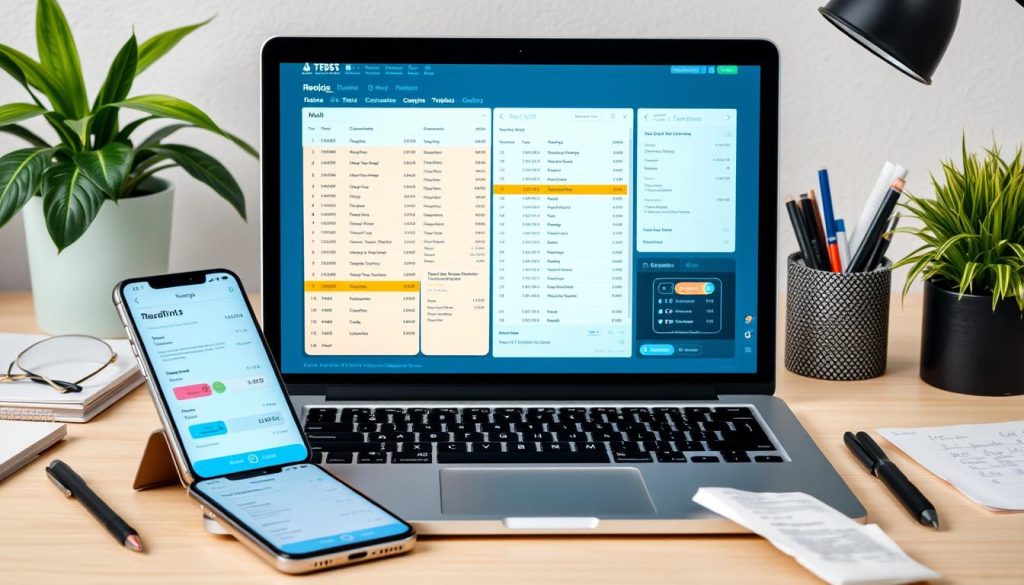
By using these methods, you can set up an efficient and orderly filing system. This not only saves you time but also makes sure you’re following IRS rules.
Dave, adopting digital receipts and a paperless organization improves tracking expenses, lowers the need for physical storage, and makes tax preparation easier. A well-planned filing system elevates your financial management, bringing simplicity and efficiency.
| Aspect | Digital Receipt Organization | Traditional Method |
|---|---|---|
| Time Efficiency | 50% more time saved | Time-consuming |
| Stress Levels | 30% lower stress | Higher stress |
| Clutter Reduction | 40% less clutter | More clutter |
| IRS Compliance | Accepted if accurate | Accepted if legible |
| Retrieval Efficiency | Organized by date/type | Often disorganized |
Best Practices for Expense Report Automation
Introducing expense report automation can really change things for companies. It makes managing finances easier, more accurate, and insightful. This way, you can see where your money is going clearly.
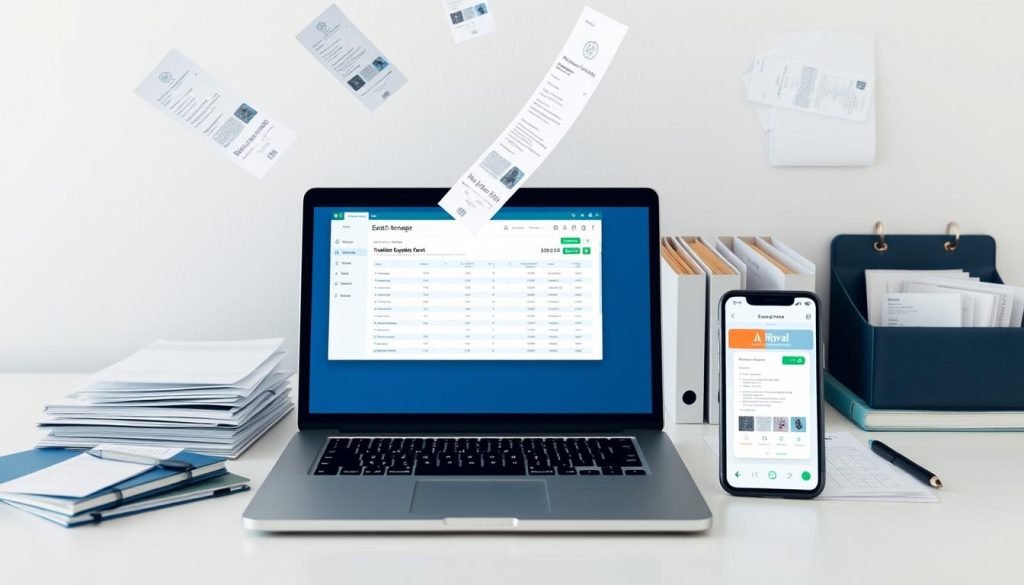
Every year, errors in manual expense reports cost companies about $500,000 and 3,000 hours. Nearly 20% of these reports have mistakes. But automation can fix these problems fast. By using automated financial reporting, companies save a lot of time.
With automation, handling expenses becomes much quicker, speeding up reimbursements by 80%. This means you known about spending instantly. It’s great for staying on budget and finding ways to spend less.
Using AI to manage expenses does wonders. It’s not only super accurate but also cuts down on fraud by half. Plus, companies have noticed workers stick to travel rules 20% more and spend 25% less on travel.
Here are the benefits of expense report automation compared to doing it the old way:
| Metric | Manual Process | Automated Process |
|---|---|---|
| Time to Complete One Report | 20 minutes | 4 minutes |
| Error Rate | 20% | Significantly Reduced |
| Annual Correction Costs | $500,000 | Substantially Lower |
| Average Additional Time for Corrections | 18 minutes | Minimal |
| Time to Reimburse | Weeks | Days/Hours |
| Employee Compliance | Variable | 20% Increase |
| Fraud Loss Reduction | N/A | Up to 50% |
To wrap it up, making the switch to expense report automation is really worthwhile. It’s all about doing things more efficiently and wisely when it comes to costs. Plus, it’s essential for any business serious about their finances.
Managing Business Travel Expenses Efficiently
Controlling business travel expenses is key to keeping a tight budget. By planning carefully and monitoring expenses as they happen, you can stay within budget and avoid extra costs. Let’s look at ways to do this effectively.

Planning and Budgeting for Trips
Starting with a detailed budget planning is essential. This means calculating costs for flights, hotels, meals, and transit. It’s important for companies to have clear rules on travel spending that match the company’s budget. This stops unnecessary expenses.
Reports show that without strict spending rules, companies could spend 25% more on travel.
| Expense | Budget Control Benefits |
|---|---|
| Flights | Negotiating fixed rates with airlines can cut costs by 15% |
| Hotels | Strategic partnerships with hotels can lead to significant discounts |
| Meals | Implementing per diem allowances helps in maintaining expense limits |
Tracking Expenses in Real-Time
Using real-time tracking tools is a must for recording expenses right away. Companies like SAP Concur and Expensify give up-to-date information. This cuts down on manual entry and mistakes. It helps follow rules better and makes paying back faster. Studies show that with these tools, companies pay back employees 50% quicker, making them 35% happier.
Old-school tracking takes up to 40% more time. Automated systems let you see spending as it happens, so you can tweak budgets fast. More than half of businesses find they work smarter, saving 20% in travel costs.
Combining budget planning with instant tracking is crucial for smart expense management. Such strategies help companies save money, boost work efficiency, and make employees happier.
How to Use Advanced POS Systems With Vendors
Advanced POS systems have changed how businesses work with vendors. They make managing expenses more efficient. With these modern POS features, companies can make working with vendors simpler and cut down on expenses.
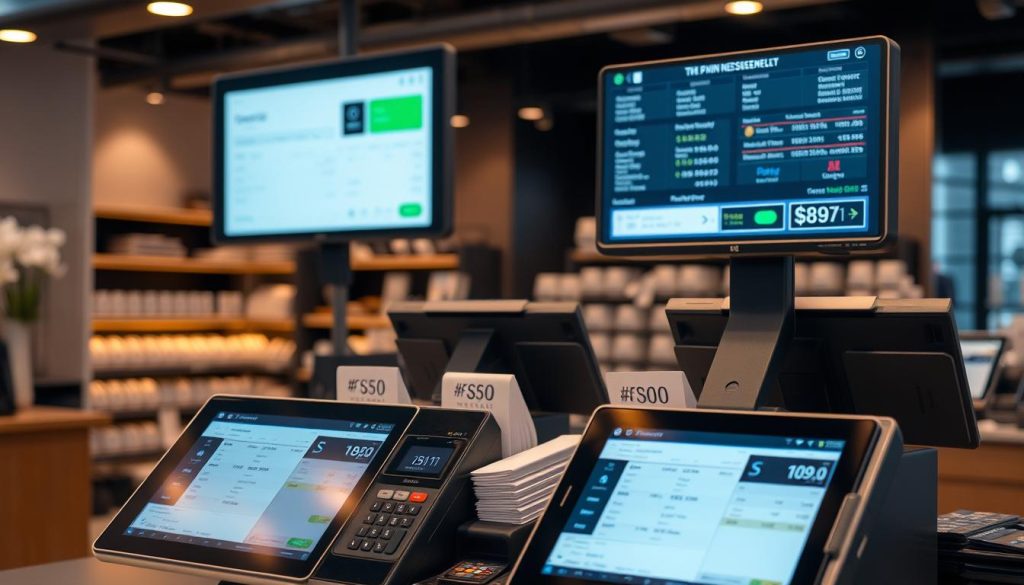
Coordination Benefits With Vendors
Using advanced POS systems improves vendor coordination. Old ways of working with vendors often led to mistakes because of manual data entry and slow communication. POS systems make transactions automatic, cutting down manual errors. This reduces most mistakes seen in old systems.
With real-time sales tracking, owners can watch sales data every day. Advanced POS systems have shown to make sales efforts 30% more efficient. This quick data helps ensure orders are filled on time and inventory is managed well. It lets vendors restock products right on schedule, avoiding stock issues and reducing money problems by 65%.
Streamlining Expense Reports Using POS
POS systems are also great for making expense reports simpler. They create correct and automatic expense records, saving about 15 hours a week on admin tasks. This not only makes things more efficient but also cuts down on costs by nearly 18%. Retailers using POS for sales reports see up to a 15% increase in sales. They can better understand and react to what customers are buying.
Receipt printers make returning items easier, improving customer happiness by 40%. Cloud-based POS systems also let businesses be monitored from afar. This means 75% of business owners can make better decisions by accessing data in real-time.
| Metric | Impact |
|---|---|
| Manual Errors Reduction | 90% |
| Sales Efficiency Increase | 30% |
| Administrative Task Savings | 15 hours per week |
| Operational Cost Reduction | 18% |
| Customer Satisfaction Improvement | 40% |
| Decision-Making Capability Increase | 75% |
Role of Bookkeepers in Business Expense Management
Bookkeepers are vital for managing business expenses well. They make sure financial operations run smoothly. They also keep records straight for taxes.

When to Hire a Bookkeeper
Knowing when to hire a bookkeeper is key for a smooth business. Small businesses should think about hiring one if:
- They start having trouble keeping their financial records straight.
- Their business is growing fast and needs more financial control.
- Tax season is coming, and they need help to follow IRS rules. Businesses must keep track of every expense. They need receipts for at least three years after their tax return.
- Mixing personal spending with business spending makes things hard. It could lead to missing out on tax savings by as much as 30% each year.
A bookkeeper can make money worries much smaller. Studies show businesses with professional help have 20-30% less stress about finances than those doing it all themselves.
Combining Digital Tools with Professional Services
Using digital accounting tools with professional help is smart. Automated systems make bookkeeping more accurate by syncing data in real time. This beats manual methods.
Here are some numbers:
- Just 10% of small businesses use special bookkeeping software, even though it works well.
- Businesses that organize and label their spending well can find 15-25% more deductions at tax time.
- Most accounting experts, 76% of them, like double-entry bookkeeping best for its accuracy.
| Type | Advantages |
|---|---|
| Manual Accounting | Good for small or one-person businesses, cheap to do. |
| Double-Entry Bookkeeping | More precise, gives a full financial viewpoint, liked by 76% of experts. |
| Digital Accounting Tools | Syncs data as it happens, less mistakes, works well with pro services. |
By mixing modern digital tools with expert bookkeepers, companies can watch their finances closely. This leads to better handling of expenses and more tax savings.
Keeping Track of Receipts and Travel Expenses
Businesses must be consistent in tracking receipts and travel expenses. This approach makes reviewing finances easier and helps reconcile expenses.
Consistency in Tracking Methods
Keeping track of all financial activities accurately is key. The IRS needs detailed records of income, deductions, and credits. Tools like QuickBooks or Expensify make this easier and more accurate.
Most small businesses rely on their checking accounts for records. It’s crucial to sync these accounts with your tracking software for easy updates.
Reviewing and Reconciling Regularly
It’s vital to review finances and reconcile expenses often. The IRS requires keeping receipts and invoices for at least three years. Regular checks help catch mistakes early and meet tax rules.
Automated accounting tools help improve these reviews. They make record-keeping more accurate, benefitting 80% of businesses that use them.
Adopting these steps improves how you manage business finances. It prevents troubles during audits. By systematically tracking and reviewing, your business stays compliant and financially healthy.
Conclusion
In a fast-changing business world, being smart about tracking receipts and travel costs is key. Setting up a special bank account for your business helps a lot. Also, using business credit cards and the best expense tracking software makes things clearer and cuts mistakes.
Adding advanced POS systems and digital tools for organizing receipts makes managing expenses easier. These steps boost efficiency and control over spending.
Businesses need to understand how crucial it is to automate expense reports and monitor travel costs in real time. Failing to track these expenses can lead to a 20% rise in costs from mistakes and overlooked expenses. But, with automated systems, companies can slash the time for reimbursements and cut errors by half. Having clear rules for travel and expenses helps control spending and keeps the finances healthy.
By following the summarizing efficient tips shared here, companies can save more and stick to rules better. Careful spending reviews and using mobile apps for managing travel expenses can make it 40% more likely that employees will follow spending rules. This lowers costs and boosts work output. In the end, taking on these smart spending habits is crucial for long-lasting success and staying within legal financial boundaries.