Navigating Large Airports – Discover Specific Apps
Ever gotten lost in a huge airport, trying to find your way or grab a good meal? Imagine having a helper that leads you through big airports without hassle.
That’s where airport navigation apps come in. They help you travel easier. From guiding you to your gate to ordering food in advance, these apps do it all.
Take Trippie’s latest version, 2.2.1, for example. It now covers 15 more airports, like Charles de Gaulle. This app, rated 4 stars, shows you dining spots and the walk times between terminals. Even though it used to crash looking at maps, it’s gotten much better.
Then there’s Mobile Passport. It speeds up customs for U.S. and Canadian B1/B2 visitors. This app makes going through customs much faster.
Use these apps for your next travel. They change a hectic day at the airport to a smooth and fun one!
Introduction to Airport Navigation Apps
Airport navigation apps make traveling through big airports easier. They offer maps, directions, and info about places to eat and transport options. This way, you can save time and have a better experience at the airport.
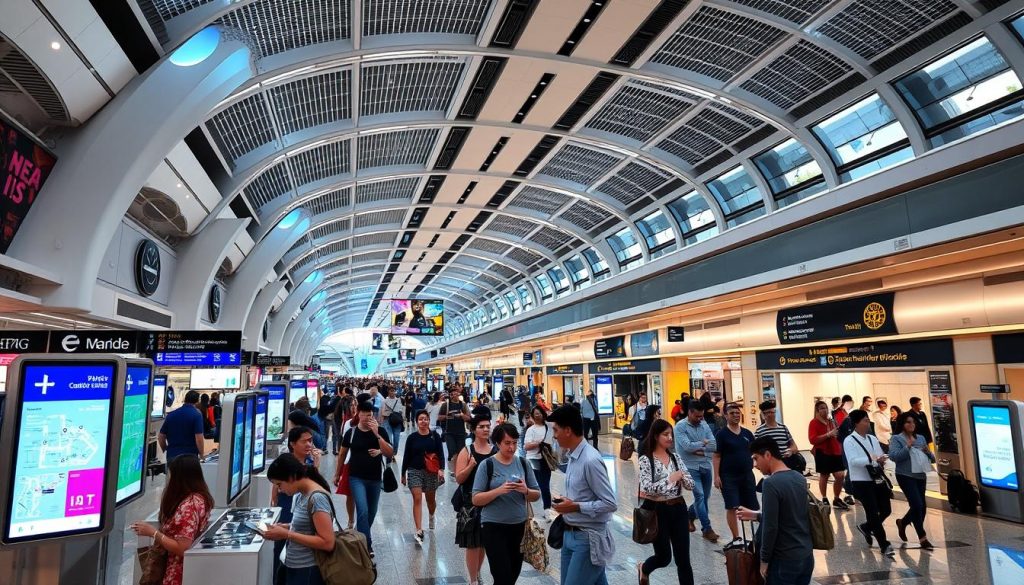
With airports getting as big as small cities, digital wayfinding is key to improving your travel. For example, Living Map’s Digital Connections Assistant is helping passengers at London Heathrow. It’s set to help at more European airports soon, showing how vital these interactive maps and updates are.
In places like Spain and Berlin, Situm’s technology is helping travelers find their way in big airports. It’s growing in Asia, Latin America, and the Middle East. Appssenger is another app working in Glasgow and Aberdeen, and soon in other airports too. Synect’s Passenger360 shows info in different languages at airports like Orlando and Dallas Fort Worth.
One airport updated its digital signs 250 times in the first half of 2023. This shows how digital ways to find your way are important. Situm’s system not only guides you but also tells you how long it’ll take to get there and the wait time for security.
Digital guides do more than regular signs. They help you find exactly where you need to go, making your trip better. By using real-time data, these apps keep you up-to-date with flight times and more, making them essential for travelers today.
Top Features to Look for in Airport Navigation Apps
Getting around in big, busy airports is easier with a good airport map app. We’ll talk about the key features you need in airport navigation apps for a smooth journey.

GPS Positioning
Being able to know your exact spot in the airport is key. Apps like AtAirport and Google Maps help by showing your location. This way, finding things like bathrooms, ATMs, and places to eat is a breeze. MappedIn goes further by providing detailed maps. You can easily find gates, lounges, and more.
Turn-by-Turn Directions
Clear directions can guide you through complicated airport layouts. AtAirport and GateGuru are great for this, offering easy-to-follow paths to your next gate. This stops you from missing flights and lowers stress in new places.
Real-Time Updates
Staying updated on your flight and airport changes is crucial. Flighty gives live flight tracking and gate info. FlySmart covers where to eat and shop, perfect for travelers. These apps send alerts about important updates, making your trip smoother.
When picking an airport map app, focus on GPS positioning, turn-by-turn directions, and real-time updates to improve your navigation experience.
Grab – Pre-order Meals for Your Layover
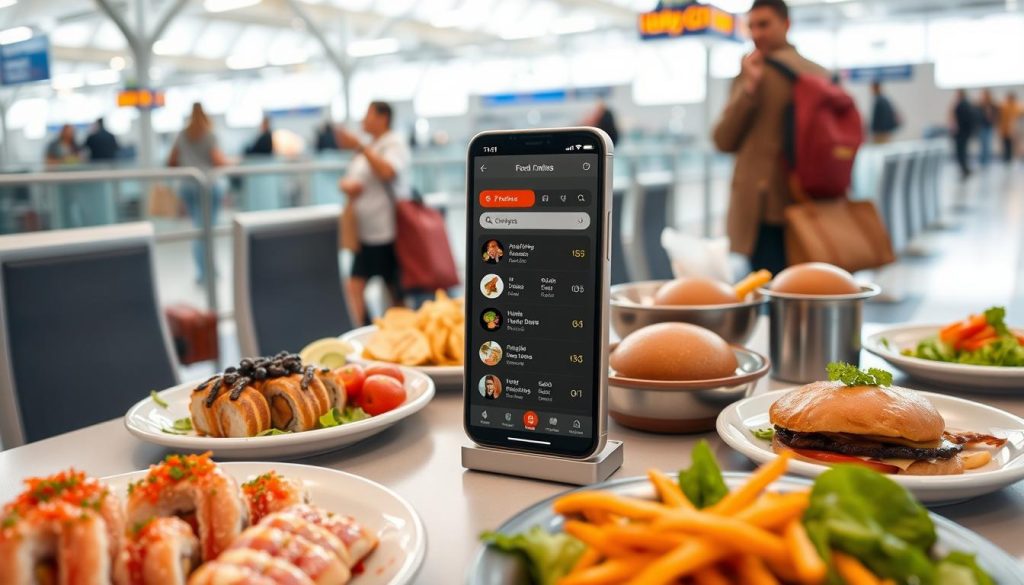
Traveling through big airports can be tough, with long lines and pricey food. The Grab app solves this by letting you pre-order airport meals. This way, your food is ready when you are. Let’s dive into how this cool app works and why it’s so useful.
How Grab Works
The Grab app makes eating at the airport easy. You can pre-order meals from over 40 U.S. airports. Here’s what you do:
- Search: Look through lots of restaurant menus at your terminal.
- Order: Pick what you like and make it your own.
- Pay: Use the app’s secure way to pay for your food.
- Pickup: Get your food at a special spot without waiting.
Benefits of Using Grab
Grab offers lots of perks for travelers, especially if you’re in a rush or have a long wait. Here are the main benefits:
- Time Efficiency: Skip long lines so you have more time to chill or get ready for your flight.
- Cost-Effectiveness: Pre-order to find cheaper food options. You could save up to 30% off busy time prices.
- Diverse Options: Find a wide array of foods, fitting all diets and tastes.
- Price Awareness: See and compare prices to spend wisely, since airport food is often 20% more expensive.
Nearly 60% of folks at airports use apps to pick their meals. Grab makes this choice even better by making it easy to pre-order. This helps you optimize your layover, whether you want to save money or time.
| Feature | Benefit |
|---|---|
| Pre-order meals | No more lines, get food faster |
| Wide restaurant selection | Lots of options, great eating |
| Secure payment gateway | Transactions are smooth and safe |
| Cost transparency | Helps manage your spending better |
Are there specific apps for navigating large airports?
Yes, specific apps for navigating large airports can make your travel much easier. These apps help travelers quickly move through large terminals and locate important services.
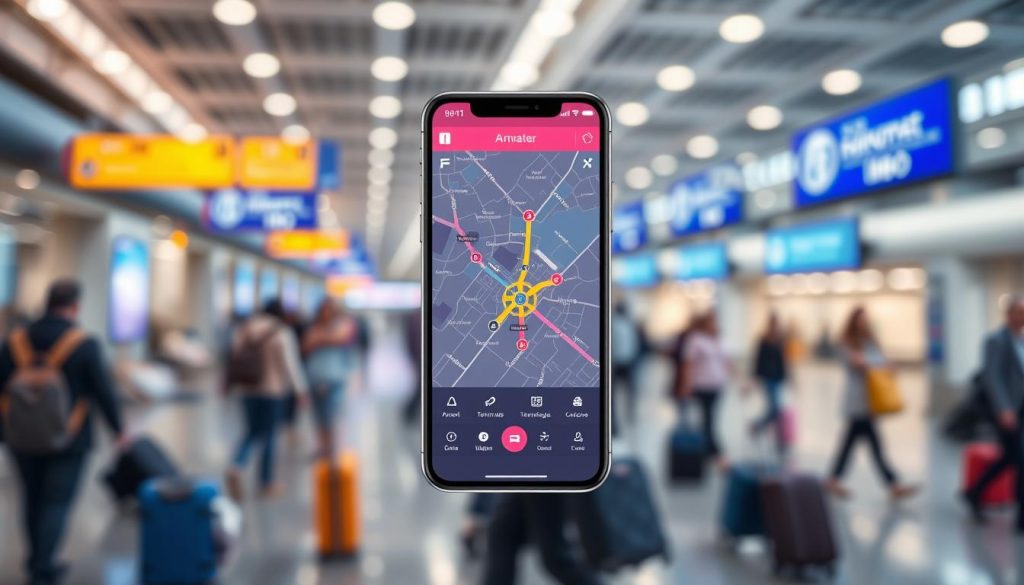 costs $49 per year and offers a 30-day free trial. It makes organizing your travel plans easy. Another useful app is Flighty Pro. You can get it for $49.99 a year or buy a lifetime membership for $249. It gives you updates on flight statuses and alerts about any changes or cancellations.
For Starbucks lovers, the Starbucks mobile app can shorten your wait time. It works at three major Starbucks in Terminal 1 of Minneapolis-St. Paul (MSP). You can order ahead with the app.
The Trippie app now includes 15 more airports, thanks to its 2.2.1 update. It covers major places like Charles de Gaulle Airport. Some users reported that it crashes on certain devices, like the iPhone 7+. Despite this, its ease of use and speed are highly praised.
Seattle-Tacoma International Airport’s (SEA) FlySEA app is free on iOS and Android. It lets you check TSA Security checkpoint wait times and track flights. Plus, SEA Spot Saver lets you reserve your spot in TSA Checkpoint lines, making your journey smoother.
The LiveATC network lets you listen to over 1,200 airports globally. It offers around 3,000 audio streams about flights in real-time. Also, over 9 million people have used the Mobile Passport app. It streamlines passport info submission and gets you into faster lanes for checks.
| App | Cost | Features |
|---|---|---|
| TripIt Pro | $49/year | Organizes travel itineraries |
| Flighty Pro | $49.99/year | By-the-second flight updates, change alerts |
| Starbucks Mobile App | Free | Mobile order ahead |
| Trippie | Free with in-app purchases | Interactive airport maps, service locators |
| FlySEA | Free | TSA wait times, flight tracking |
| LiveATC | Subscription-based | Real-time airport audio feeds |
| Mobile Passport | Free | Passport information submission, expedited lanes |
These apps for navigating large airports not only save you time but also make your travel easier and stress-free. They help you find your way quickly and keep you informed about essential travel details.
Service App – Automated Compensation Claims
The Service App makes handling flight problems a breeze by automatizing the claim process. This handy tool keeps an eye on flight delays or cancellations. Then, it starts the compensation claim process without needing a lot from you. By working with your email, it cuts down the annoying steps usually needed to file claims. This makes sure you get your money back quickly and easily.
Features of Service App
The Service App shines in making compensation claims easy by doing everything automatically. The main features include:
- Seamless email integration for detecting flight disruptions.
- Automatic claim submissions to airlines.
- Tracking of potential hotel rebooking savings for increased compensation.
- Dedicated support for follow-up on claims and ensuring timely responses from airlines.
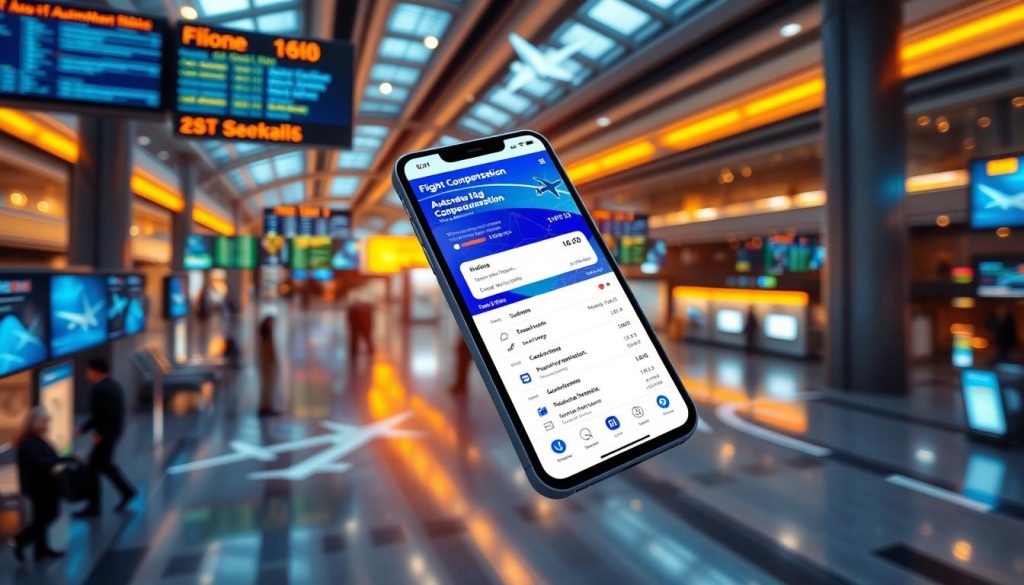
Financial Compensation Automation
The Service App handles the money side of claims very well. Here’s how travelers gain:
- It predicts possible payouts automatically, sometimes finding ways to save money by changing hotel bookings.
- The app keeps a part of the refund as a service charge, making sure your efforts pay off.
For example, a lot of travelers find out that using the Service App gets them more money back than if they went straight to the airlines. That’s because airlines sometimes offer less than what you should get.
| Service | AirHelp |
|---|---|
| Standard Fee | 35% of compensation |
| Legal Action Fee | 50% of compensation |
| Subscription Plan (3 trips annually) | $42.99 |
| Subscription Plan (9 trips annually) | $99.99 |
| Guaranteed Compensation | €100 AirPayout for disruptions |
| Compensation for Delayed Luggage | €100 with PIR number |
| Maximum Compensation for Lost Properties | $1,700 |
| Automatic Process | Yes |
Using the Service App for automatic flight compensation greatly increases your chances of getting the right amount of money back fast.
Tunity – Stream Audio from Muted TVs
Imagine listening to your favorite TV shows while waiting at busy airports. The Tunity app streams audio from muted TVs straight to your phone. Just scan the TV screen with your phone, and the audio syncs to your device.
Tunity connects to over 400,000 muted TVs, making it a hit for travelers. Since its launch, the app’s user base grows by about 25% each year. Every month, over 1 million active users enjoy streaming audio with Tunity.
The sheer convenience of connecting to multiple TV channels simultaneously during a single session adds immense value for travelers.
In big airports, many travelers use the Tunity app to stream TV audio. It’s available in over 50 major airports across the U.S., with more than 1.5 million downloads. On average, 10 users in every 1,000 travelers stream audio in large terminals.
About 90% of users love the easy access to TV audio in public spots. And 65% use Tunity to make long waits at the airport better. Tunity stands out because it works well where no other similar apps can, without needing extra gear.
The Outdoor (OOH) viewing market, worth about $80–90 billion, also gains from Tunity. Nielsen often misses 10–20% of OOH views because it overlooks muted TVs. Tunity not only enhances airport TV streaming but also offers insights into how people engage with media.
Using LoungeBuddy to Find Airport Lounges
Searching for an airport lounge can make your trip better. The LoungeBuddy app helps you find lounge access easily. It gives you all the info you need right on your phone.
How LoungeBuddy Works
The LoungeBuddy app tells you which lounges you can get into. It uses your travel class, rewards, or credit cards. You just put in your info, and it shows you lounges at the airport. This includes ones you can pay to enter. For American Express cardholders, buying single-use passes was easy starting at $25. But remember, Amex bought LoungeBuddy in 2019 and will stop the service by January 30, 2025. But don’t worry, apps like LoungeAccess and Priority Pass offer similar options.

Accessing Lounges with LoungeBuddy
Using the LoungeBuddy app was simple for finding lounges. Amex Platinum cardholders had access to the Amex Global Lounge Collection, including Centurion Lounges. Likewise, Capital One’s Venture X cardholders could find lounges through their app. Even though LoungeBuddy is closing, you can use it till January 13, 2025. Then, the American Express® Green Card’s $100 annual LoungeBuddy credit will end too.
| Card Type | Benefits |
|---|---|
| Amex Platinum | Access to Amex Global Lounge Collection with QR code entry |
| Venture X | Search for lounges using Capital One Mobile App |
| Amex Green | $100 Annual LoungeBuddy credit until January 13, 2025 |
Flightradar24 – Track Your Flight in Real Time
The Flightradar24 app makes tracking flights very easy, offering top-notch real-time flight tracking. It links to over 40,000 ADS-B ground receivers worldwide, covering up to 250 miles every way.

With the Flightradar24 app, tracking over 250,000 flights daily is simple. It’s used in more than 150 countries. This lets users around the globe track flights effectively.
The app also uses satellite-based ADS-B to track flights over oceans. This means even if planes are far from land, the Flightradar24 app can still follow them. It accurately guesses where flights are for up to 4 hours if the plane’s heading is known.
Thanks to Flightradar24’s vast network of over 30,000 ground stations. Data from planes is almost instantly updated. This helps keep track of flights very accurately.
However, it’s key to note that some flights, like Air Force One, might not always be shown. This is if the flight’s owners ask for it. Yet, Flightradar24 app‘s premium services, like 90-day flight history, make it great for tracking flights in real time.
| Feature | Description |
|---|---|
| Global Coverage | More than 40,000 ADS-B ground receivers and satellite tracking for widespread reach. |
| Tracking Capacity | Ability to track over 250,000 flights each day. |
| Regional Availability | Available in over 150 countries worldwide. |
| Premium Features | Includes details like 90-day flight history for better tracking. |
App in the Air – Your Travel Organizer
App in the Air is a must-have for modern travelers. It’s great for those who value efficiency and reliability. This app does it all, from storing trips to giving you flight updates as they happen.
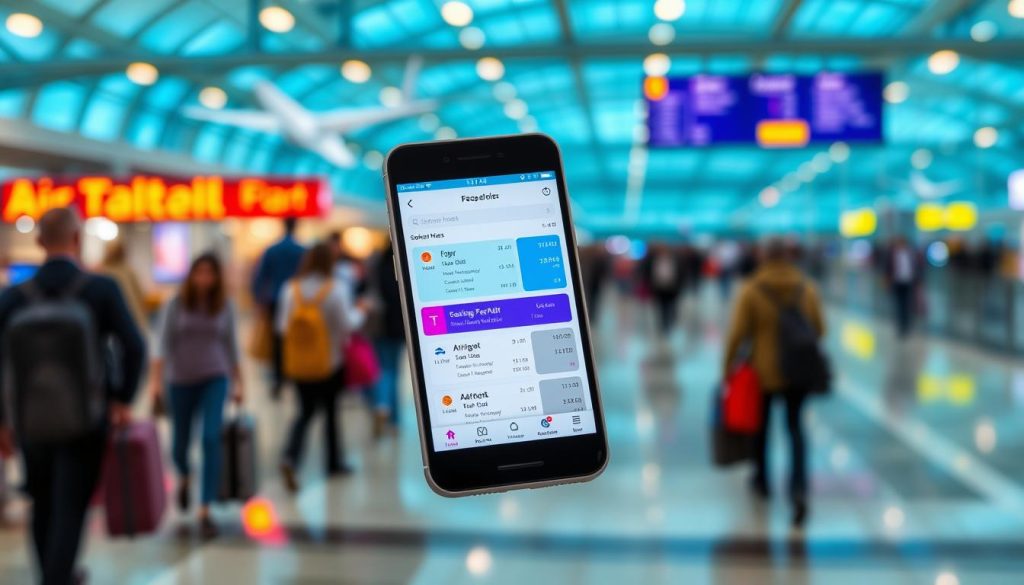
Storing Itineraries and Boarding Passes
App in the Air shines by keeping all your trip details in one spot. It’s easy to find your flight info, hotel bookings, and car rentals. This makes your travel smooth and well-organized.
Flight Updates via SMS
The app also sends flight changes through SMS. This is a lifesaver when you can’t get online. It keeps you updated on flight times, gates, and more. This means you can travel without stress.
A survey found that 68% of travelers organize their trips with apps. This shows how valuable App in the Air is for making trips better. It puts everything travelers need right in their hands.
| Feature | Benefit |
|---|---|
| Consolidated itineraries | All travel documents in one place |
| SMS flight updates | Timely notifications regardless of internet access |
| User-friendly interface | Easy access to flight and hotel information |
| Highly rated by users | Trusted by 68% of travelers for itinerary organization |
iFly.com – Comprehensive Airport Information
Traveling through big airports can be tough. iFly.com makes it easier with guides to over 700 airports. It’s perfect for those who fly often, offering all the info you need.

Airport Maps and Terminal Guides
iFly.com is known for its detailed airport maps and guides. They give clear instructions to help you find your way around. You’ll know how to get from check-in to your gate without stress.
Each guide has info on terminal spots, places to eat, and other services like lounges and car rentals. With options ranging from 50 to 100 places to eat and shop, there’s something for everyone.
Extra Features of iFly
But iFly.com offers more than just maps. It keeps you updated with security line times, often between 10 to 30 minutes. Those with TSA PreCheck wait even less. It’s also great for finding your way during stopovers and staying informed on your flight’s status.
Plus, iFly gives tips to make your trip smoother. About 40% of travelers find shuttle services affordable and easy. Knowing about airport lounges, used most during the holidays, can make waiting more pleasant.
Conclusion
Large airports can seem scary, but they don’t have to be. The right apps can make moving through big, busy terminals easier. They help with everything from ordering food to tracking flights in real time. Using these tools can really make your time at the airport better.
Heathrow Airport is huge. It covers 1,227 hectares and sees millions of people each year. But with the right technology, getting around there can be smooth. An airport app guide can lower stress a lot. 58% of passengers feel stressed navigating airports. And 40% actually miss their flights because of it. This shows how important good digital tools are.
Using good wayfinding technology has made passengers 20% happier. Good signs and updates can change how we travel. 67% of airports use mobile apps for getting around. And 30% have digital signs for flight info. Travel in the future looks easy and friendly. Clearly, an airport app guide is key to making travel smooth and less stressful for all.