Safeguard Electronics from Airport Scanners
Ever wondered about protecting your gadgets at the airport? Or is it just a myth?
Going through airport security can be tough. Especially when you want to keep your electronics safe. It’s important to know how to protect them from scanners. There’s a lot of scary stories and advice out there. You need to know what’s true and what’s not. This guide gives you all the tips for keeping your devices safe while flying.
Keep reading to understand how airport security affects your electronics. And learn why following their rules is important. We’ll talk through the different scanners and share TSA guidelines. With this info, you can go through security without worry. Your electronics will be safe!
Understanding Airport Scanner Technology
Since the TSA started in 2001, airport security has greatly improved. The TSA was set up after the September 11 attacks to make air travel safer. Now it checks over 2.8 million passengers every day in the U.S. Airport scanners play a big role in this. They help find threats but try to keep things moving smoothly for travelers.
Types of Airport Scanners
There are different scanners to keep passengers safe:
- X-ray Scanners: These look into your carry-on bags using a small amount of radiation. They can tell the difference between metals, plastics, ceramics, and organic materials. For checked luggage, high-energy X-ray scanners are used. They can find heavier materials.
- Millimeter Wave Scanners: These scanners make 3D images of people. They use radio waves to find hidden threats. They’re good at finding dangers and help speed up the security check.
- Backscatter X-ray Scanners: These use low-level X-rays to make 2D images. They’re mainly used to spot non-metallic objects by looking at how dense materials are.
- Computed Tomography (CT) Scanners: You can see these machines at some airports, like West Virginia International Yeager Airport. They create 3D pictures of carry-on bags. They use smart software to find explosives or other dangers automatically. They let you keep your laptop and small liquids in your bag, which means fewer manual checks.
How Scanners Affect Electronics
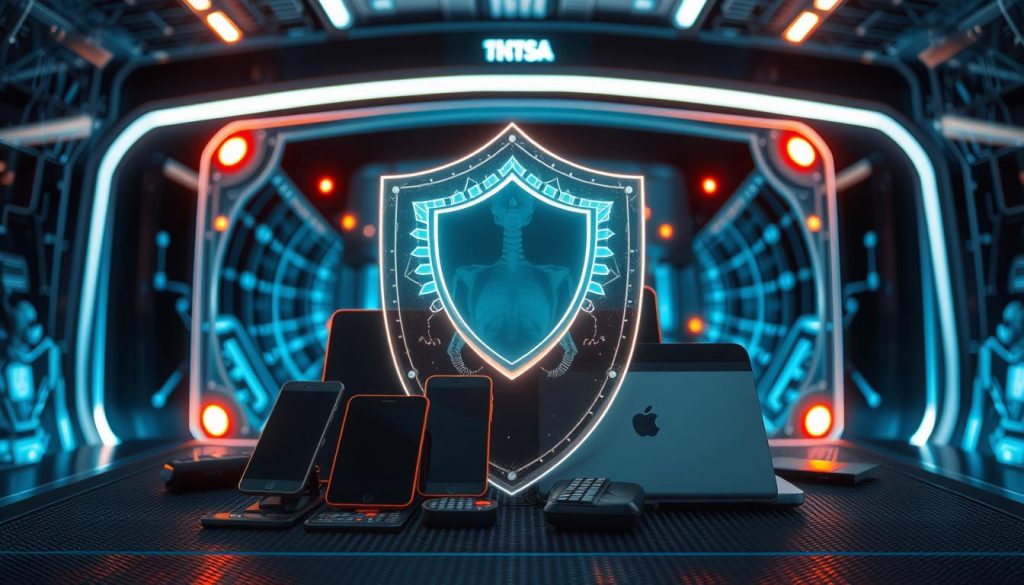
Most airport scanners are safe for electronic devices. Yet, it’s key to know TSA scanner guidelines to protect sensitive gear. X-ray scanners could harm old or very delicate electronics. Protecting your devices from x-rays is important if they’re valuable or fragile. On the other hand, Millimeter wave scanners don’t use harmful radiation. They’re considered safer for your electronics. Still, taking care is a good idea:
- Use cases that keep electronics safe from x-rays.
- Take out your electronics if the TSA says so, to avoid too much radiation.
- If you have very delicate devices, ask for a hand check to skip the scanners.
Knowing about the different scanners and their effects on electronics helps. It lets you keep your devices safe when you fly.
| Scanner Type | Detection Method | Impact on Electronics |
|---|---|---|
| X-ray Scanners | Low-level radiation | Potential harm to older/sensitive devices |
| Millimeter Wave Scanners | Radio waves | Minimal impact |
| Backscatter X-ray Scanners | Low-level X-rays | Potential minimal risk |
| Computed Tomography (CT) Scanners | Advanced 3D imaging | Reduced need for device removal |
TSA Guidelines for Electronic Devices
The Transportation Security Administration (TSA) sets rules for luggage security at airports. These rules make sure electronic devices go through security safely. Knowing these guidelines helps you go through security easily and keeps your devices safe.
Carry-On vs. Checked Baggage
TSA suggests keeping laptops, tablets, and other electronics in carry-on luggage. This is to avoid damage from scans, since carry-ons are treated more gently. Electronics are safer in the cabin than in cargo, where they could be damaged by rough handling or extreme temperatures.
Larger items like game consoles and medical devices need to be declared. They have specific TSA rules to ensure they travel safely.
TSA PreCheck Benefits for Electronics
If you’re part of TSA PreCheck, it’s easier to travel with electronics. You can leave laptops and other big electronics in your bags at security checks. This reduces the chance of damage. PreCheck makes going through security faster, keeping your electronics safer.
Signing up for TSA PreCheck is a good idea for those with valuable electronics. It helps prevent damage from airport scans.
| Item | Carry-On | Checked Bags |
|---|---|---|
| Laptops & Tablets | Allowed (preferred) | Not Recommended |
| Medical Electronic Devices | Allowed with Proof of Necessity | Allowed with Proof of Necessity |
| Electronic Cigarettes | Allowed | Not Allowed |
| Alcoholic Beverages | Not Allowed (Mini bottles must fit in a quart-sized bag) | Allowed (Restrictions apply) |
| Baby Food & Formula | Allowed (Screened separately) | Allowed |
| Spillable Batteries | Not Allowed | Allowed (if securely attached to devices) |
Requesting a Hand Inspection
If you worry about EMF protection for your gadgets, ask for a hand inspection at the airport. This step is crucial at airports with old scanners, to avoid harm to sensitive devices.

When and How to Request One
Knowing when and how to ask for a hand inspection keeps your electronics safe. If in doubt, especially with film cameras and high-ISO films, request it. High-ISO films can get ruined by X-rays. Never put undeveloped film in checked bags. Here’s how to request a hand inspection:
- Inform the TSA officer right at the start of the security check.
- Explain your worries about how the TSA scanners might affect your gadgets.
- Put each item in a separate bin to prevent damage during screening.
Tips for International Travel
Expect old scanners at smaller international airports. They could harm your electronics. About 280 foreign airports with U.S. flights follow advanced security measures. Here’s advice for smooth travel with your gadgets abroad:
- Know the local rules: Countries vary in electronic check policies.
- Plan for extra time: Hand inspections may take longer.
- Utilize TSA PreCheck: It speeds up your check, with gentler handling of electronics.
- Use protective cases: A solid case protects your gadgets and fits TSA rules.
By heeding these tips and knowing when to seek a hand inspection, you can protect your electronics and follow TSA rules, keeping your devices safe during travels.
| Key Aspect | Details |
|---|---|
| Screening Risk | Older scanners at smaller airports |
| High-ISO Film | Risk of X-ray damage |
| Hand Inspection | Recommended for electronics |
| TSA PreCheck | Expedites screening process |
Choosing the Right Protective Cases
When picking cases for your gadgets, it’s key they protect against airport scanners and drops. TSA-approved cases lessen damage risk during travel.
It’s also important to shield your devices from electromagnetic radiation at security checks. Ensure the case offers this protection and can handle rough treatment.

| Feature | Benefits | Examples |
|---|---|---|
| Padded Interior | Prevents physical damage by absorbing shocks and bumps. | Pelican Protector Case, OtterBox Defender Series |
| Electromagnetic Shields | Offers electromagnetic radiation protection to sensitive electronic parts. | Mission Darkness Faraday Bag, Silent Pocket Wallet |
| Hard Shell Exterior | Guards against impacts and unauthorized access. | Anker PowerCore Case, Case Logic Laptop Sleeve |
The FAA sets rules for flying with lithium batteries. Always carry lithium batteries in hand luggage. Don’t fly with damaged or defective ones to avoid overheating risks. Following FAA rules ensures safe flights.
Good protection means your devices are safe from damage and follow travel rules. TSA-approved cases offer both security and peace of mind while traveling.
How to Protect Electronics from Airport Scanners
Keeping your devices safe during travel is important. Airports use strong screening methods. Knowing how to protect your electronics is key.
Shielding Techniques
Using anti-static bags or cases designed to block x-rays is a great way to protect your devices. These items keep your electronics safe from electromagnetic interference. This interference can increase at airport scanners. These barriers help prevent damage to sensitive electronics.
- Anti-static bags: These are great for laptops and big electronic devices.
- Specially designed cases: Look for cases that have x-ray blocking abilities for extra protection.
Effective Packing Strategies
Packing smartly can also lower risks. It’s better to keep electronics in your carry-on luggage. Keeping them in easy-to-reach spots makes screening simpler and prevents mishandling.
- Cushioning: Use padded covers or cases to protect each device from physical damage.
- Organizing: Keep your electronics in one part of your bag. This helps TSA agents check your bag without making a mess.
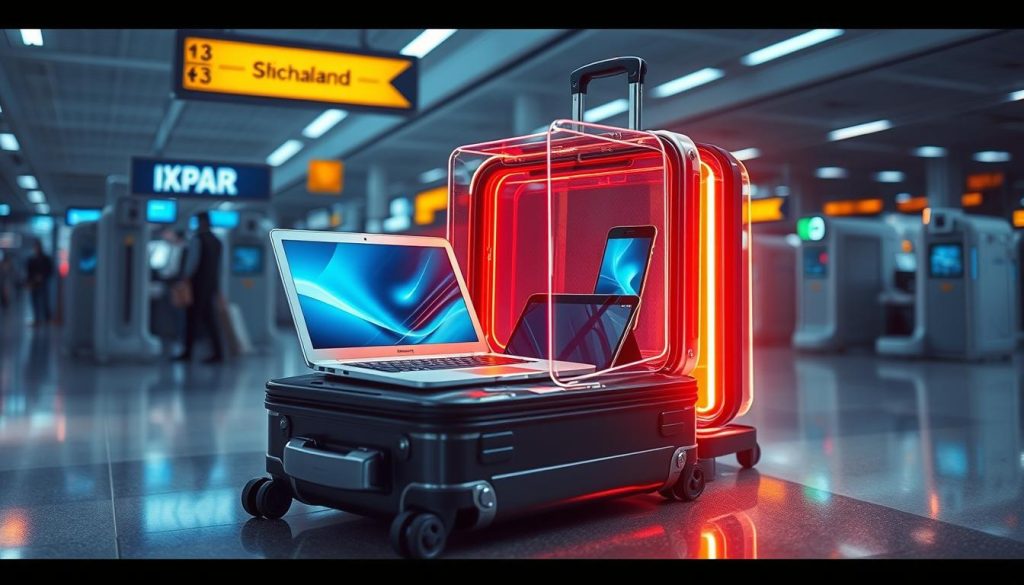
| Statistic | Details |
|---|---|
| Items Lost at Airport Checkpoints | Each month, between 90,000 to 100,000 items are lost. |
| TSA PreCheck Benefits | Trusted traveler programs help reduce lost items by keeping them in bags. |
| Passenger Volume Increase | More passengers mean more reports of lost items. |
Knowing how to protect your electronics from x-rays and using smart packing tips can lower damage risks. This ensures a smoother travel experience.
Understanding Electromagnetic Radiation
At airports, travelers come across scanners emitting low levels of electromagnetic radiation. It’s important to know the risks and how to protect yourself, especially for frequent travelers.
Potential Risks
Airport scans mainly involve backscatter X-ray and millimeter wave scanners. The European Union stopped using backscatter scanners in 2011 due to a tiny cancer risk increase (0.000015%). On the other hand, millimeter wave scanners, which use non-ionizing radio waves, are much safer. But, frequent travelers might worry about the risk from many flights. For example, Tom Stuker, a very often flyer, has seen his cancer risk go up because of his many flights.

Even one flight from coast to coast exposes passengers to about 0.035 mSv of cosmic radiation. However, airport scanners keep radiation exposure very low. You’d have to be scanned more than 22,500 times in a year to hit the maximum safe radiation dose.
Protective Measures
There are easy steps to take for TSA scanner safety and to protect against electromagnetic radiation. Choose millimeter wave scanners, ask for hand checks of sensitive devices, and use protective cases for electronics to lower your exposure. Keeping up with TSA rules and keeping electronic devices away from radiation sources also helps.
- Requesting hand inspections for sensitive electronics.
- Using shielding materials and protective cases.
- Favoring millimeter wave scanners over backscatter scanners where possible.
TSA Scanner Guidelines for Different Electronics
Traveling with electronics? It’s key to follow TSA’s rules to protect your devices and make security checks smooth. We’ll look at rules for Laptops and Tablets, and Cameras and Photography Equipment.
Laptops and Tablets
Laptops and tablets hold important data, so keeping them safe while traveling is a must. TSA says to take laptops out of bags for x-ray checks unless they’re in a special bag. But, they’re working on new tech that might let you keep them in your carry-on soon.

- Protecting sensitive electronics like laptops and tablets starts with using a well-padded, checkpoint-friendly case that ensures the device can be scanned without removal.
- Joining TSA PreCheck can help speed things up, letting you leave laptops in your bags.
- Future high-tech scanners, a big investment by TSA, will make this process even smoother.
Cameras and Photography Equipment
Photographers, listen up. For big camera gear, TSA says to put them in separate bins for scanning. Small stuff, like memory cards, can stay in your bag.
| Item | TSA Guidelines |
|---|---|
| Laptops | Remove from bag unless in a checkpoint-friendly case |
| Tablets | Usually remain in carry-on, subject to scanner requirements |
| Camera Bodies | Place in a separate bin for x-ray screening |
| Camera Lenses | Remove and place in a separate bin |
| Memory Cards | Can remain in camera bag |
Following TSA’s advice helps keep your electronics safe during screening. By sticking to these guidelines, you’ll protect your devices and move through security faster. It’s also good to keep up with new rules and tech for easy travel.
Carry-On Only: Why It’s Important
Traveling with only a carry-on has lots of upsides. Keeping your gadgets with you reduces damage risk and boosts security. This means you’re preventing theft at airports better.
Reducing the Risk of Damage
Gadgets like laptops and cameras are crucial for travelers. By placing them in your carry-on, you make sure they’re treated gently. Checked bags often get thrown around, which can harm your stuff.
One big perk of carry-on bags is seeing your devices all the time. This keeps them safe during your travels.
Protecting Against Theft
Carry-on luggage also cuts down theft risk. Checked luggage is easier to steal from between check-in and baggage claim. Even with tight security, items can still go missing from checked bags.
After September 11, security got stricter, including new scanning tech. This tech, like 3D scanners, affects how you should travel with electronics. Keeping electronics in carry-on helps avoid damage from these scans.
| Aspect | Carry-On Luggage | Checked Luggage |
|---|---|---|
| Risk of Damage | Lower | Higher |
| Risk of Theft | Lower | Higher |
| Accessibility | Immediate | Delayed |
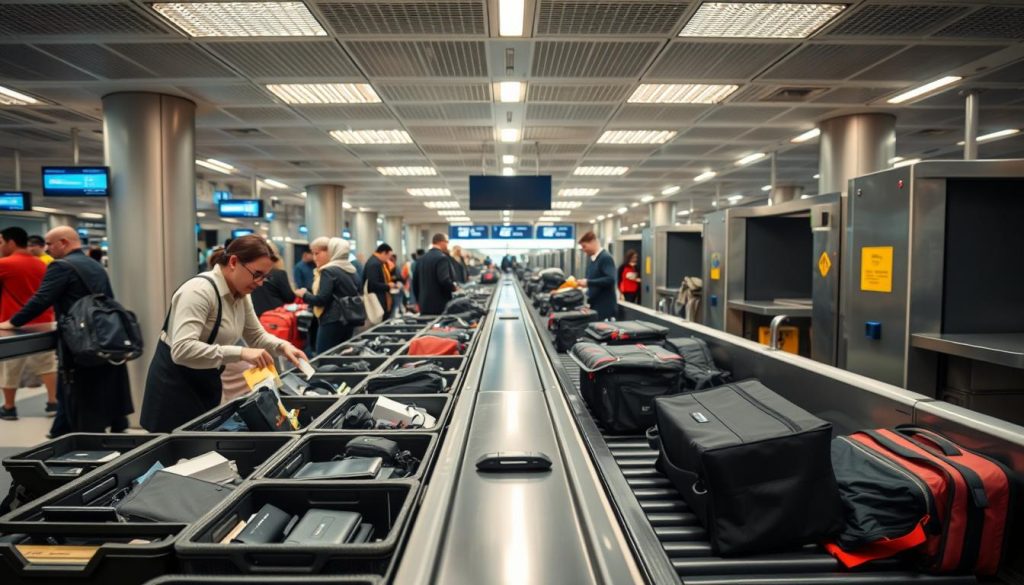
Organizing Your Luggage for Security Screening
Packing right is key for smooth airport checks. By smartly organizing, you speed up the screening process. The TSA has guidelines to make things faster. For example, all liquids should be in small containers and kept in a clear, quart-sized bag.
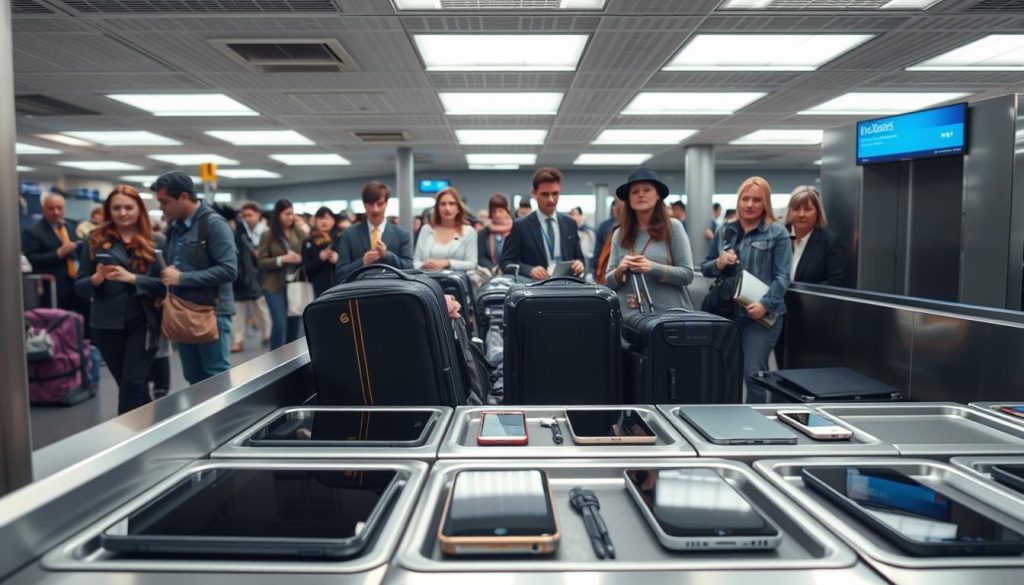
- Place electronics like laptops, tablets, and large cameras at the top of your carry-on for easy access. These items need to be removed and screened separately.
- Use multi-compartment carry-ons. Multiple compartments promote smoother navigation through screening and provide quicker access to essential items.
- Wear slip-on shoes to expedite the security process, avoiding the need to unlace or buckle footwear.
- Keep a dedicated pouch for belts and loose items to prevent re-evaluation delays at security checkpoints.
Picking the right time to fly helps too. Flying midweek or early in the morning often means shorter lines. Travelers with TSA PreCheck, Global Entry, or Clear also save lots of time, even more so during holidays.
Packing cubes and clear bags for liquids make checkpoint processes smoother. A TSA-friendly laptop bag, which opens flat on the X-ray belt, speeds up screening.
Shipping your luggage ahead can be smart, especially in busy seasons. It cuts down on TSA time and airport waits. Checking in online lets carry-on users bypass bag drop, making your trip easier.
These tips ensure quicker checks at the airport, for a hassle-free travel experience.
Dealing with Damage Claims
Sometimes, even with the best care, your gadgets might get damaged at the airport. Knowing how to deal with this can make things easier.
Steps to Take if Damage Occurs
If your gadgets are damaged after security checks, act quickly. Snap clear pictures and jot down details about the damage. This will help with your TSA claims procedure.
- Report the incident to TSA officers right away.
- Get a claim form there and then.
- Collect all needed details like receipts and flight info for your claim.
Following these steps will help avoid delays and increase your chance of a fair solution.

TSA’s Claim Process
When you file a claim, TSA has a set way to handle it. You’ll get a letter recognizing your claim within four to six weeks. A full TSA probe can take up to six months. Having all your paperwork ready can make it quicker.
It’s key to know that if TSA didn’t physically check your bag, your claim might get denied. Also, screening by private companies at some airports could change how your claim is handled.
| Claim Process Stats | Details |
|---|---|
| Processing Time | Up to six months |
| Acknowledgment Period | 4-6 weeks |
| Investigation Requirement | Law enforcement involvement may extend the timeframe |
| Denial Reasons | No physical inspection by TSA officers |
| Variability Factors | Private companies at unspecified airports |
| Legal Actions | File within six months if unresolved |
For a good chance at resolving handling electronics damage, follow the TSA claims procedure closely. Being prepared and understanding the process can greatly help your case.
Additional Travel Tips for Electronics Safety
Keeping your electronics safe during travel requires pre-flight safety checks and careful handling afterward. Here are essential tips for securing your devices on your trip.
Pre-Flight Preparations
Start securing your electronics well before heading to the airport. Follow these important steps:
- Charge Devices Fully: Make sure all your electronics are charged. This helps you avoid public charging spots and the dangers they pose.
- Backup Important Data: Back up must-have files to the cloud or an external hard drive. This action protects your data if your device gets damaged.
- Remove Unnecessary Apps: Getting rid of apps you don’t use lowers the risk of someone getting into your device and makes security simpler.
- Check for TSA Guidelines: Know which electronics the TSA wants to look at more closely. This knowledge helps you move faster through security checks.
- Organize Electronics: Arrange to have bigger devices like laptops and tablets easy to get to. They need to be screened by themselves.
These actions complete your pre-flight checklist, making your airport experience smoother.
Post-Security Check Precautions
After security, handling your electronics with care is crucial:
- Retrieve Your Devices Quickly: Gather all your items from the bins fast. This reduces the chance of losing them or having them taken.
- Inspect Devices for Damage: Check for any damage from screening. Tell TSA right away if there’s a problem.
- Reorganize Your Bag: Put your devices back in their cases to protect them from bumps.
- Limit Public WiFi Use: Stay off open public WiFi networks. Use a VPN for a secure connection instead.
- Stay Logged Out: Log out from apps you’re not using. This stops others from accessing your accounts.
Following these steps for post-security handling of electronics boosts your devices’ safety during travel. These strategies protect against damage, theft, or digital dangers.
Conclusion
Traveling with your gadgets means you need to stay informed and ahead of the game. Airport security changes often. Knowing about different scanners and TSA rules helps keep your electronics safe while traveling.
One key tip is to always have your laptops and tablets in your carry-on, not checked luggage. This keeps them safe and within reach. Signing up for TSA PreCheck also makes security checks quicker. You won’t have to take out your devices from their cases.
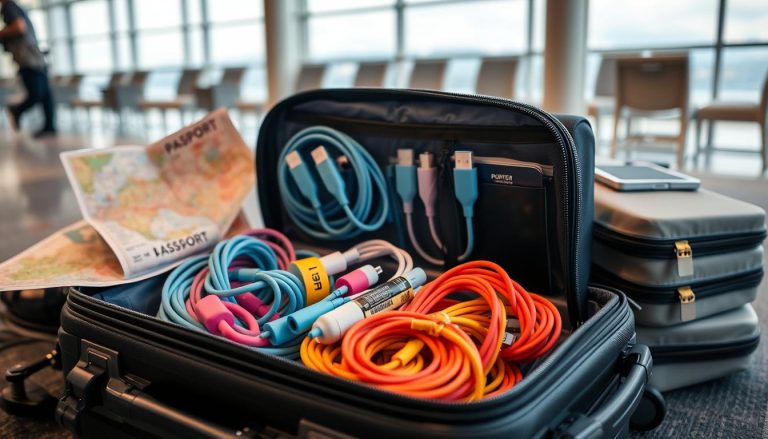
How you pack is important, too. Make sure your wires and accessories are organized. Don’t stack anything on top of your electronics in the security bins to avoid hold-ups. Keeping up with TSA’s latest advice on carrying electronics ensures a smoother trip. Being prepared means you can travel worry-free, knowing your gadgets are safe.