Safe Travel Tips: Best Practices for Digital Security
Ever thought about how safe your personal info stays when you travel? In our connected world, keeping your digital data safe is key, just like having your passport ready. Traveling to new places may risk your digital safety, turning your dream trip into a problem.
Devices face a 29% greater risk of cyber threats when traveling, say experts. It’s a wake-up call for everyone, not just tech experts. Over half of us don’t update our security software before traveling. And only 36% use MFA (Multi-Factor Authentication) on their accounts. Knowing these travel security tactics is crucial to keep your data protected.
Imagine taking steps to stay safe, only to find your accounts hacked after returning home. With 76% of phishing attacks done through email and many travelers not updating security, it’s vital to act beforehand.
It’s really important to protect your digital info while traveling. Update your software, back up data, use VPNs, and secure your devices. These simple steps can make your travels safer and keep your info out of hackers’ hands.
So, before your next trip, remember these important steps. They can help you stay calm and enjoy your journey more.
Preparing Your Devices Before Travel
Before you travel, make sure your devices are ready. This is key to having a secure internet while traveling. This step helps keep your data and devices safe from risks overseas.
Updating Your Software
Updating your software is vital before you leave. Developers often update software to fight new cybersecurity dangers. Outdated software is a hacker’s target; 60% of breaches happen there.
By updating, you get the newest security fixes. This action lowers your chance of cyberattacks.
Backing Up Your Data
It’s important to back up your data regularly. This protects data abroad. Save essentials like documents and pictures to the cloud or an external drive. This move prevents loss if your device is lost or stolen.
Yet, 36% of travelers don’t back up their data. They risk losing it forever.
Setting Up ‘Find My Device’
Use ‘Find My Device’ for Android or ‘Find My iPhone’ for iOS. These apps are lifesavers if your device disappears. They let you find, lock, or wipe your device from afar.
About 70 million smartphones are lost yearly. Activating these features is key in protecting data abroad.
Checking Privacy Settings
Check and adjust your privacy settings before leaving. Keeping a secure internet while traveling means sharing less. Turn off unnecessary location tracking and limit app data access.
This step is essential as 30% of travelers have their devices stolen. It helps keep your information safe.
Limiting Device Usage
When you travel, it’s wise to take fewer devices with you. More devices mean a higher chance of cyber attacks and theft. By using fewer devices, you protect your personal and sensitive info.
About 33% of U.S. vacationers check in with work many times a day. And 50% access work data on personal devices. Using lots of devices can make it easier for hackers to find a way in. So, taking fewer devices can help keep cybercrooks at bay.
An eye-opening 80% of identity theft victims had their info stolen while traveling due to unsafe devices or networks. Plus, 25% of travelers sometimes leave their devices out in the open, upping the chance of theft. To stay safe, watch your devices closely and travel light to cut down risks.
Avoiding public Wi-Fi is a smart move for mobile security. Though 70% of tourists know the dangers of public Wi-Fi, 40% still use it. Having fewer devices means less need to use risky networks.
Losing devices is common; 38% of travelers have done it. Having fewer gadgets means you can keep them safer. So, carry less, and you’ll worry less about keeping them secure.
| Risk Factor | Percentage |
|---|---|
| Accessing Corporate Data | 50% |
| Unsecured Networks | 80% |
| Connecting to Public Wi-Fi | 40% |
| Leaving Devices Unattended | 25% |
| Losing a Device | 38% |
By following these tips, you’re less likely to encounter cyber trouble. Travel with fewer devices for fewer worries and better protection of the tech you bring.
Using Secure Wi-Fi Connections
When you’re traveling, connecting to the internet can be risky if you’re not careful about public Wi-Fi. Here are some key tips to keep you safe while using available networks.
Avoiding Public Wi-Fi
Public Wi-Fi can be dangerous because they’re often not secure. Studies show about 60% of public Wi-Fi networks are not safe, putting your data at risk. Hackers can trick you with fake networks, stealing your login details and passwords. Nearly half of people use public Wi-Fi without knowing these dangers. So, it’s better to use Wi-Fi from well-known places like coffee shops instead of unknown free hotspots.
Utilizing a VPN
Using a VPN can make your online activities much more secure. By encrypting your connection, it cuts the risk of data theft by 60% on unsecured networks. Still, you should be careful accessing private info on these networks. Even with a VPN, 40% of users could still be at risk while handling sensitive data. So, it’s important to stay cautious.
Creating a Personal Hotspot
Creating your own personal hotspot is safer than using public Wi-Fi. It gives you control over your own secure connection. Did you know 76% of internet cafes may not protect your data well? This makes personal hotspots a smarter choice. Plus, it’s very useful for those who travel often, protecting against unsafe networks.
Here’s a quick look at how different Wi-Fi options compare on security:
| Wi-Fi Access Method | Security Level | Risk of Data Interception |
|---|---|---|
| Public Wi-Fi Without VPN | Low | High |
| Public Wi-Fi With VPN | Medium | Reduced |
| Personal Hotspot | High | Low |
Knowing the risks and taking steps to protect yourself can greatly improve your safety online while traveling. It’s not just about access; it’s about keeping your data secure.
Protecting Your Physical Devices
To keep your travels safe, focus on securing your devices. Use strong passwords, enable lock screens, and take physical security steps. These steps are key to digital safety.
Using Strong Passwords and PINs
Strong passwords and PINs are the first step to secure your devices. Over 80% of breaches happen because of weak passwords. Pick passwords that mix letters, numbers, and symbols. Also, multi-factor authentication (MFA) cuts down the risk by 99.9%.
Enabling Lock Screens
Lock screens stop others from getting to your data if they grab your device. This is key since 77% of folks don’t lock their mobile devices well. Using things like fingerprint or facial recognition can make your device even safer.
Physical Security Measures
Physical security is as important as digital. Keep gadgets safe, especially out in public. Laptops are the top target for thieves, says the FBI. In your hotel, use a safe for your gadgets. And don’t tell social media when you’re away—30% of travelers who do get more break-in risks.
| Practice | Risk Reduction |
|---|---|
| Using strong passwords | 80% of data breaches prevented |
| Using multi-factor authentication | 99.9% reduction in unauthorized access |
| Enabling lock screens | 77% decrease in vulnerability |
| Keeping devices secure | Significantly reduced risk of theft |
Following these tips for safe online habits helps protect your gadgets. Being proactive blocks unauthorized access. It keeps your personal and work info safe while you travel.
Managing Location Services
Travelers need to watch their location services closely for better security. Many apps need your location but this can risk your privacy. Turn off these services when you don’t need them to stay safe.
Active location services can make you a target for cyber threats, especially on public Wi-Fi. About 70% of travelers risk their data on these networks. Turn off your location to boost your security.
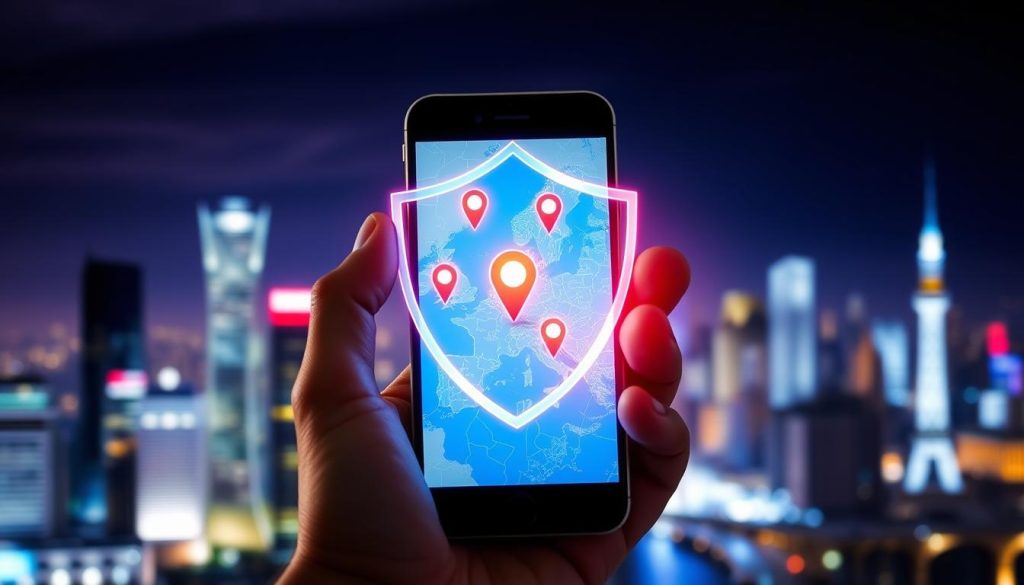
Managing location settings also keeps your travel details off social media. Roughly 40% of people post their location online, risking their safety. It tells burglars you’re not home, which is dangerous.
Device theft is common in travel, with up to 30% of gadgets lost or stolen. Turning off location services can protect your device. It makes it harder for thieves to figure out where you are.
Here’s how to keep your location services in check for better security:
- Turn off location services when you’re not using them to stop apps from tracking you.
- Check app permissions often, allowing only necessary apps to access your location.
- Use airplane mode for more privacy and security when needed.
- Choose “While Using the App” over “Always” for location access to limit data sharing.
In short, be strict with your location services to protect yourself while traveling. These steps can greatly reduce risks, ensuring a safer journey.
Best Practices for Digital Security While Traveling
When you’re traveling, it’s crucial to keep your digital world safe. To do this, there are important steps to follow. These tips help protect your devices and your personal info from threats.
Stopping Auto-Connect Features
Turn off any auto-connect functions on your gadgets. These make your devices join Wi-Fi or Bluetooth without asking you. This can open doors for hackers. Around 40% of people join public Wi-Fi without checking if it’s safe. This careless behavior can put your data at risk.
Secure Browsing Habits
Being careful online helps keep your information safe. Don’t log into bank accounts or shop on unsecured networks. Public Wi-Fi can make it easy for thieves to steal your info. 60% more cybercrime happens here than when using your data plan.
Also, only a few travelers, 38%, make sure they’re on secure websites when using public internet. This makes their personal information more exposed.
Monitoring Device Usage
Watch how you use your devices and their settings. Make sure you’re using strong passwords and two-factor authentication. Sadly, only 45% of people traveling use strong passwords or PINs.
It’s also vital to keep your software up-to-date. If you notice something odd, deal with it fast. Nearly 70% of travelers have seen suspicious activity when connected to public Wi-Fi.
By sticking to these digital security tips, you can cut down the risks during your travels. Keep up with security news and stay careful to enjoy safer trips.
Securely Using Public Computers
Needing secure internet while on the move is tricky, especially with public computers. These machines are useful but risky for private stuff.
Minimize Sensitive Activities
It’s a bad idea to use public computers for things like banking or shopping online. One study shows those users face a 70% higher malware risk. Stick to simple web surfing and don’t share personal info. Keeping off your personal accounts on these public machines guards your private data.
Ensuring You Log Out
Always log out from any public computer before you walk away. This step keeps the next person from seeing your information. Even just checking emails or social media, not logging out invites trouble. A quarter of folks risk their data on public Wi-Fi, knowing it’s not safe.
Know the risks with public computers and how to stay safer. Following good habits helps enjoy secure internet on your travels without the cyber worries.
Common Cybersecurity Threats While Traveling
Traveling with electronic devices brings many cybersecurity threats. These can risk both your personal and work data. Knowing and getting ready for these cybersecurity risks helps keep you safe from attacks.
Using unsecured public Wi-Fi is a big risk. Public Wi-Fi is often unsafe because it has weak encryption. Cybercriminals create fake Wi-Fi networks with familiar names. This tricks users into connecting, which puts their data at risk.
Thieves targeting electronic devices is another major risk. Because of their size and value, devices are attractive to thieves. Keep your devices with you and safe at all times. 70% of cybersecurity experts say that employees traveling with devices are major targets.
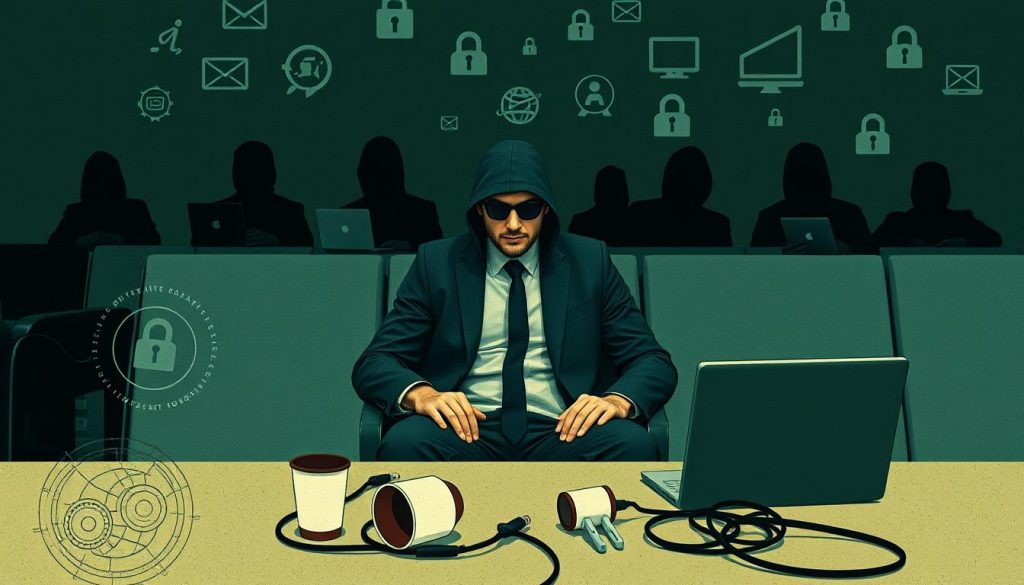
Using public computers like those in hotels or internet cafes poses a risk too. Malware, like keyloggers, can steal personal info by recording what you type. This makes it risky to enter personal information on shared computers.
The table below shows common travel threats and how to avoid them:
| Travel Security Threat | Precaution |
|---|---|
| Unsecured Wi-Fi Networks | Use a VPN and avoid public Wi-Fi |
| Physical Theft of Devices | Keep devices with you and secure them when not in use |
| Compromised Public Computers | Avoid using public computers for sensitive activities |
| Rogue Access Points | Disable auto-connect features for Wi-Fi and Bluetooth |
About 45% of travelers connect to unsafe Wi-Fi spots without knowing it. Plus, 60% don’t turn off their Bluetooth or Wi-Fi. This makes them more open to risks. Staying alert and careful can really cut down these dangers.
Conclusion
Traveling today means we must be aware of cybersecurity risks. With 34% of travelers facing digital privacy breaches, it’s critical to stay protected. This highlights the need for strong digital security steps.
To lower these risks, update your software and backup your data often. Use ‘Find My Device’ and check your privacy settings carefully. Also, limit how much you use your devices. Stay off public Wi-Fi, use VPNs, and consider personal hotspots to stay safe.
Use tough passwords and lock screens to protect your devices further. Managing where your device can be used, avoiding automatic connections, and safe browsing are key. When on public computers, do less sensitive stuff and always log out afterward.
Watch out for phishing scams that target travelers. Always use credit cards instead of debit for better fraud protection. By adopting these measures, you make your travels safer and more enjoyable. It lets you focus on the adventure, not the risks.