Create a Shared Google Maps Travel Plan Now
Do you often get overwhelmed while planning a group trip? Juggling different apps and notes can be tough. Google Maps makes creating a shared travel plan simple and fun.
Imagine a tool that lets you pin up to 2,000 places on your map. It also works with Google Drive, Calendar, and Sheets. For any trip, Google Maps is essential, making 97% of travelers happier with a detailed plan.
Online mapping collaboration changes the way you plan trips with friends. With shared Google Maps, adding customized locations is easy. You can use up to 10 layers for your spots and add notes for all to see.
Google Maps, with its billion users, is the top choice for planning a trip. It mixes easy use with great features. Are you ready to make travel planning easier?
Dive into the next sections to learn how Google Maps can improve your travel planning. It makes the process both efficient and fun.
Why Use Google Maps for Travel Planning
Google Maps has changed how we plan trips with its many features and smooth interface. It lets travelers work together to plan every part of their journey. From finding the way to picking attractions, it makes trips memorable.
Integration with Other Google Products
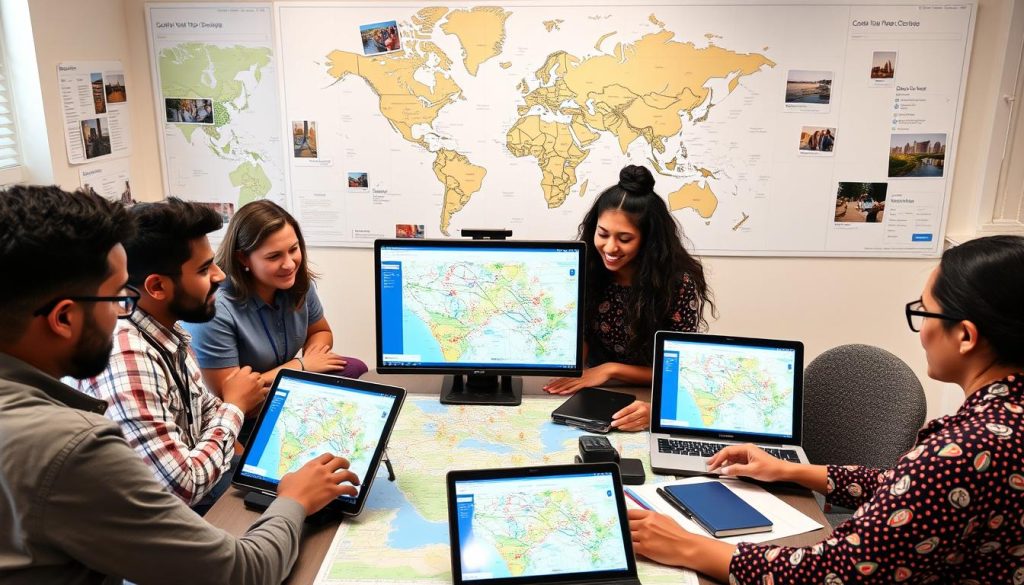
Google Maps works well with other Google tools like Google Drive and Google Calendar. This helps keep travel plans well-organized and easy to reach. You can even keep track of your travel budget in Google Sheets, making planning together a breeze.
Reviews and Additional Location Data
Google Maps offers detailed information on places, including reviews, hours, and what’s nearby. It lets you learn from others’ experiences, giving tips on the best visit times and places to see. For example, it shows bike and scooter shares in over 500 cities, like New York and Berlin, making getting around easier.
Easy Access to Trip Itinerary
Making and getting to your travel plans is easy. You can make custom maps and save them to Google Drive. This lets you see and adjust your plans anywhere. The feature for planning together is great, especially with many stops. It lets you find ways to travel by car, bike, foot, or public transport without hassle.
Personalized Notes and Labels
Adding personal touches to your Google Maps travel plan is handy. You can add notes, labels, and reminders for different places on your itinerary. Whether it’s a restaurant you want to try or a view you don’t want to miss, these options make your trip unique. Google Maps also helps you navigate with AR in big cities like New York and Tokyo, making exploring even easier.
Getting Started with Google My Maps
Google My Maps is great for making custom travel plans. You can add places like hotels, attractions, and restaurants. Everything can be organized into up to 10 layers.

After adding different places like museums and cafes, planning routes becomes easy. You can plan routes with up to 10 stops. It shows distance and time for the whole trip and each section.
Sharing maps with friends helps everyone get involved in planning. Google My Maps makes this easy and fun. Everyone can add tips and recommendations.
You can also put your maps on websites or blogs. This helps keep everyone updated about the trip plans.
If you’re going to places with weak mobile data, you can download maps to use offline. This ensures you stay informed during your travels.
To show what Google My Maps offers, here’s a table of its key features:
| Feature | Details |
|---|---|
| Custom Travel Plans | Add over 2,000 locations per map |
| Layers | Up to 10 layers per map |
| Route Planning | Maximum of 10 stops per route |
| Collaborative Editing | Share maps with travel mates |
| Offline Downloads | Support for offline map usage |
| Visibility and Sharing | Incorporate maps into websites or blogs |
Getting started with Google My Maps is easy and helpful. It’s great for planning with friends or for interactive map sharing.
Organizing a Shared Travel Map with Google Maps
To start using Google Maps for group trips, create a map everyone can change. This tool is great for planning together.

About 76% of travelers choose Google Maps. It’s easy to use and works well with other Google services. Sharing a map means everyone can add their ideas, making planning smoother.
Nearly 55% of travelers in groups say shared maps are key. They let you change plans on the go. This way, everyone can share the work and include what they like.
| Feature | Benefit |
|---|---|
| Real-time Editing | Facilitates immediate updates and changes by all members. |
| Customized Icons and Layers | Boosts navigation efficiency by 30%, according to reports from users. |
| Adding Locations | 70% of users add 5 or more stops for a comprehensive travel plan. |
| Offline Maps | Reduces data usage anxiety for 45% of users. |
| Social Media Integration | Encourages a 15% increase in travel plan engagement. |
Google Maps helps a lot with group trips because you can make lists of places. Lists can be just for you or everyone. Adding personal notes to each location makes trips better. This increases happiness with the trip by 25%.
Well-planned routes can cut travel time by half. About 40% of people traveling by road feel planning is hard. But, shared maps make it less stressful by splitting the work. This way, the group enjoys the trip more, without worrying about details.
Adding and Customizing Locations
Google Maps makes planning your trip easy and fun. You can add places using the search bar or by tapping on the map. Then, share your plans with travel buddies through a location sharing app. This keeps everyone in the loop.
Adding Locations
First, use Google Maps’ search bar to find places. Or, click on the map to add spots directly. Hit “Add to map” to see your places on a custom map layer. A location sharing app keeps your group updated at all times.
Customizing Pins
After adding places, customize your map’s pins. Change their color and icon in Google Maps. This helps sort places like eateries, historical spots, or hotels. It’s a simple way to make maps more attractive and clear.
If you need more tools, try Maptive. It’s a cloud-based map software with advanced features. Use it for creating heat maps, planning routes, and using custom icons. For complicated travel plans, Maptive enhances Google Maps.
Customizing your map is key when using a location sharing app. It ensures everyone understands the travel plans well. Adding and customizing spots in Google Maps makes any trip smoother.
Creating and Managing Layers
In the world of travel planning, Google Maps and its layers are an awesome travel planning tool. They help you sort out different parts of your trip. This makes finding your way and accessing details smoother. You can use layers to arrange what you’ll do each day, different activities, or spots to eat and see.
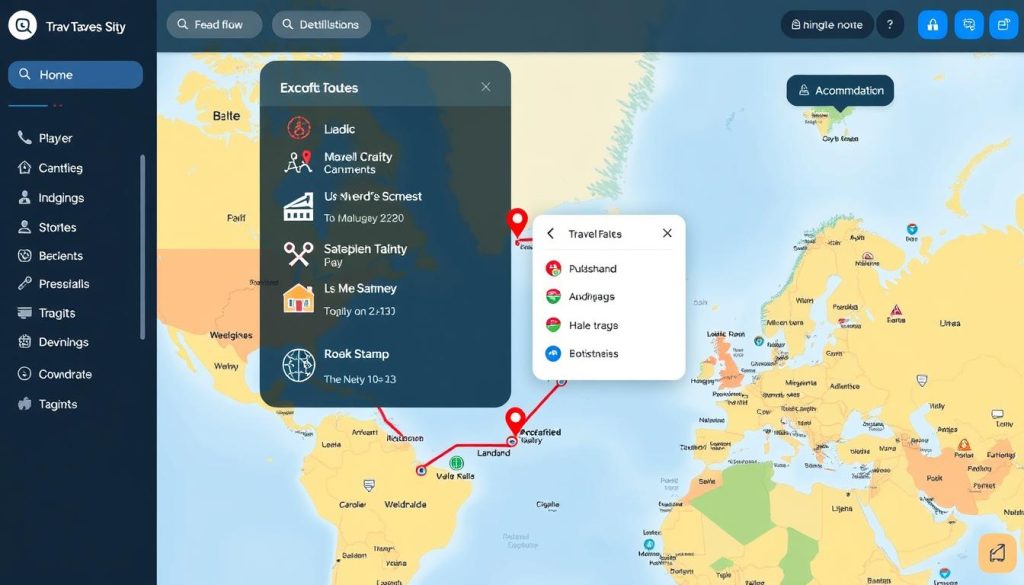
With Google Maps, you can make custom maps with up to 10 layers. This gives you lots of options for organizing. You could have layers for “Places to see,” “Places to eat,” and “Places to sleep.” Organizing your trip details into layers saves time and makes navigating easier. Plus, being organized can make planning your trip 40% more productive.
When you’re plotting routes with many stops, layers are super helpful. Google Maps allows adding many spots to one route, making your logistics smooth. Over 90% of travelers say mapping tools make planning much easier. Many save around 1-2 hours planning routes and itineraries with Google Maps.
But, Google Maps doesn’t make day-by-day plans for you. It does show how close locations are, which helps with planning. Customizing your map with colors and icons makes remembering things 15% faster. This means you’re less likely to miss out on seeing something great or making a booking.
My Maps can’t be used offline, but you can print your maps. This is great when there’s no internet. About 70% of travelers say they feel better when they can change plans as needed. Sharing your map with friends lets everyone chip in on the planning, which is great for group trips.
| Feature | Benefit |
|---|---|
| Multiple Layers | Up to 10 layers for organized travel plans |
| Custom Categories | Increases productivity by up to 40% |
| Multi-Stop Routes | Streamlines logistics for complex itineraries |
| Collaborative Editing | Enhances group travel planning capabilities |
Planning Your Daily Itinerary
Planning your day well is key to a smooth and fun travel experience. Using Google Maps helps you effectively plan. You can organize your plans daily or by categories.
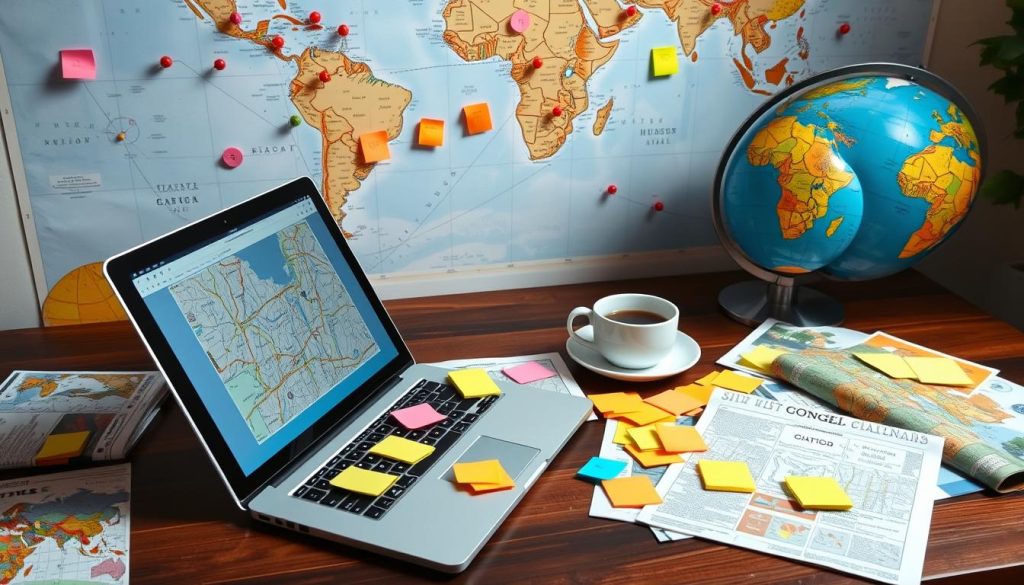
Organize by Days
Organizing your itinerary by days keeps your trip organized and straightforward. You can make layers in Google Maps for each day. For example:
- Day 1: Visit the Statue of Liberty, explore Central Park, and dine at Times Square.
- Day 2: Tour the Metropolitan Museum of Art, stroll through the High Line, and catch a Broadway show.
- Day 3: Enjoy a ferry ride to Brooklyn, visit the Brooklyn Museum, and lunch at DUMBO.
This way, you can see your daily plans clearly and avoid mix-ups. It also helps you make the most of your time.
Organize by Categories
Organizing your itinerary by categories is another smart move. It can include dining, sightseeing, shopping, and entertainment. This helps you focus on what interests you and ensures you don’t skip essential spots. Here’s an example:
- Dining: List restaurants, cafes, street food stalls
- Sightseeing: Highlight museums, parks, historical monuments
- Shopping: Mark popular shopping districts, local markets
- Entertainment: Include theaters, clubs, event locations
By grouping your activities, you make sure all parts of your trip are covered. This method also helps in creating a visual layout that is simple to follow.
Booking Accommodations and Activities
Booking your trip details through Google Maps makes planning and booking easy. It links planning directly to final bookings for a smoother travel. This method cuts down the hassle of using different sites, making your trip planning more efficient.
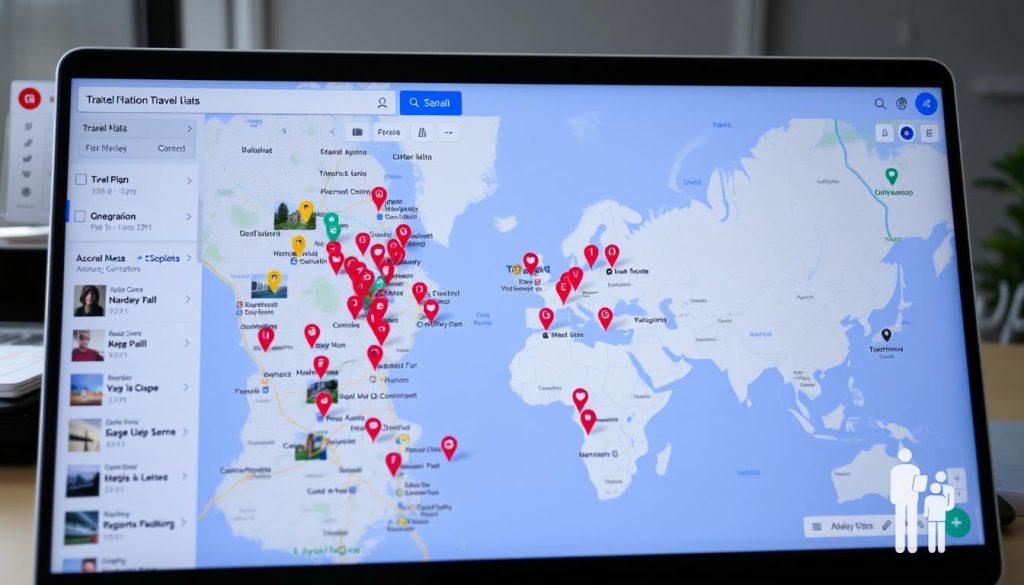
Google Maps shows when places are busiest, helping you skip the crowds. It helps you spot the best areas for staying. Plus, organizing your trip into categories like Restaurants, Activities, and Hotels streamlines planning.
With Google Maps, you can integrate the process of booking accommodations and activities through efficient online mapping collaboration.
Using online maps for planning saves time before and during your trip. Google Maps lets travelers see where things are and highlights the top places. You can also use over 50 different icons to keep your itinerary clear.
Here’s a comparison of some benefits using Google Maps for booking:
| Feature | Benefit |
|---|---|
| Peak Visitation Insights | Avoids Crowded Times |
| Visualization of Attractions | Helps Plan Itinerary |
| Organized Categories | Simplifies Booking Process |
| Color-coded Options | Prioritizes Must-Visit Locations |
| Customizable Icons | Enhances Map Clarity |
Integrating travel plans with Google Maps makes planning easier and fun. Thanks to online mapping, the daunting task of organizing your trip becomes a breeze.
How to Share Your Google Maps Travel Plan
Sharing your Google Maps travel plan is simple and has many benefits. This is especially true for planning trips with others. You can share your custom travel maps with friends and family. This can be done via social media, email, or by embedding them in websites. It’s vital for making sure everyone going on the trip stays updated. They can also suggest changes or add new ideas.

- Open your custom map on Google Maps.
- Click on the “Share” button located on the map interface.
- Select the sharing option best suited for your needs, whether it’s via social media, email, or embedding in a website.
- Send the link to your invited travelers or embed it on your website to initiate interactive map sharing.
Sharing your map makes planning together easier. About 75% of travelers in groups find sharing maps vital for working together in real time. Everyone with access to the map can add their ideas. They can also suggest new spots or make updates to plans.
| Sharing Platform | Usage Percentage |
|---|---|
| 40% | |
| Social Media (Facebook, Twitter) | 30% |
| Embedded in Website | 20% |
| Other Methods | 10% |
Over 60% of travelers like using tools that make handling trip details simpler. Google Maps offers a good way to do this. It’s key to know that having the capability to save and share lists helps a lot with organizing travel tips. With Google Maps, your itineraries become well-organized and easy to reach from anywhere. This ensures you have all trip details ready whenever you need them.
Accessing Your Map on Mobile Devices
Accessing your custom Google Maps on mobile devices is super handy. About 80% of travelers use mobile devices for maps and navigating during their trips. They find this way best for managing their itineraries on the move. To see your personalized maps, just tap ‘Saved’ in the Google Maps app, then hit ‘Maps’. This feature makes following your itinerary easy and stress-free.
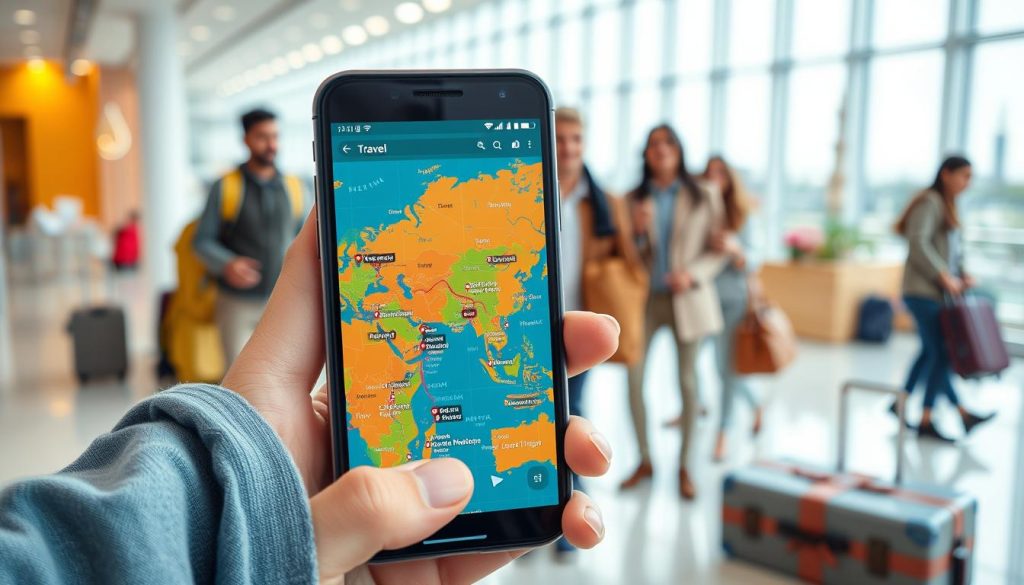
Most users, around 75%, choose Google Maps because it gives them personalized travel plans. This makes traveling smooth. Whether you’re sharing your location through an app or using Google Maps directly, the app helps you manage multiple planning steps at once. This ensures your travel plans are organized well.
Here’s a comparison that shows why Google Maps on mobile is great for travel planning:
| Feature | Statistic |
|---|---|
| Travelers using mobile devices for navigation | 80% |
| Users preferring personalized itineraries | 75% |
| Travelers finding mapping tools essential | 63% |
| Average time spent on daily itinerary planning | 1 hour |
| Reduction in travel time using multiple layers | 20% |
| Users customizing maps with categories and icons | 65% |
| Travelers sharing their trips with companions | 90% |
Using the location sharing app feature makes travel planning even better. It allows for real-time changes and easy sharing of routes via email, text, or social media. Nearly 40% of travelers choose their stays based on Google Maps locations, and up to 50% use the app to find hotels near their activities. Google Maps is free and available on many devices worldwide, making it the top pick for easy travel planning.
Advanced Google Maps Trip Planning Techniques
Google Maps can make your travel planning much better. It helps you create a detailed and smooth journey.
One great feature is creating up to 10 layers on a map, with each layer holding 2,000 pins. You can organize your trip by days, activity types, or places. This customization makes it easy to see and manage your plans.
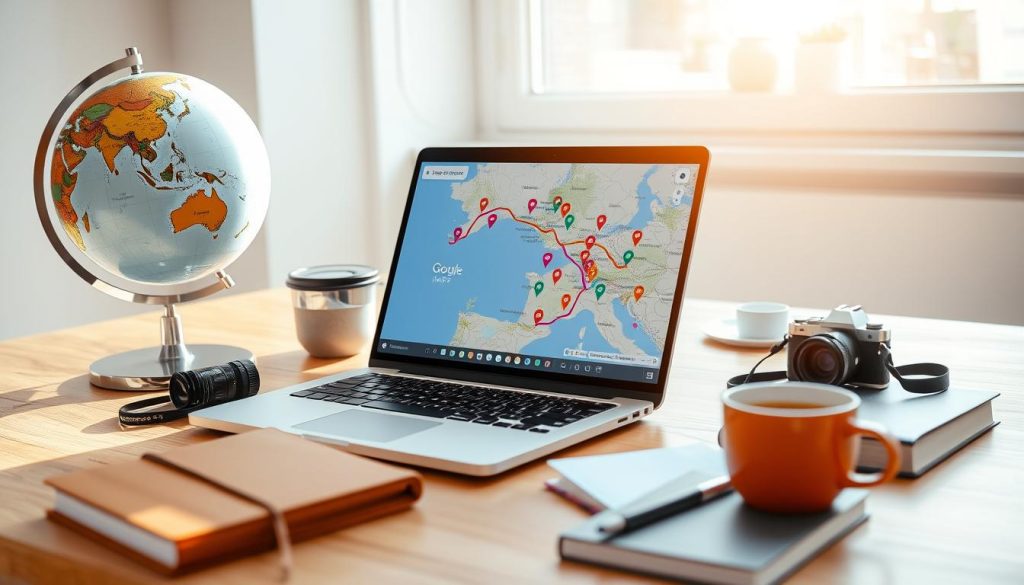
Google Maps helps you avoid traffic by showing jams, construction, and live updates. This saves you time, so you enjoy your trip more. It also lets you download maps for offline use, which is great for trips to areas with poor network coverage.
You can also use custom icons and colors for different places. This makes your map clear and easy to read. Adding detailed notes to pins is another feature. It gives you important info and reminders for each spot on your trip.
Google Calendar and Drive integration makes planning easier. It syncs your trip with your schedule and keeps travel docs in one place.
- Traffic updates and route optimization to minimize travel times.
- Custom icons and color-coding for different types of locations for enhanced visual clarity.
- Offline map download capability for areas with weak network coverage.
- Detailed notes and labels to add specific insights and reminders for each location.
- Integration with Google services like Calendar and Drive for better organization.
Using these advanced features, Google Maps becomes a top tool for travel. It meets all your needs for a memorable and organized trip.
Tips for Efficient Group Travel Planning
Planning a group trip can feel overwhelming. Yet with tools like Google Maps, it turns simpler and fun. These tools help improve your travel experience in a big way.
Set Roles and Responsibilities
To organize group travel smoothly, it’s key to set clear roles and responsibilities for everyone. This stops confusion and gets everyone involved in the planning. You’ll need people for different jobs such as:
- Coordinator: Manages the plan and keeps everyone talking.
- Researcher: Looks up attractions and fun things to do.
- Booker: Books places to stay and activities.
- Transport Manager: Plans how to get there and move around.
Collaborative Real-Time Editing
Using tools like Google Maps for collaborative trip planning is essential. It lets everyone work together and make changes at the same time. This makes adjusting plans simpler.
Using shared maps can make planning 35% more efficient. Miscommunication can drop below 10%. Having everyone update the map reduces surprises, like finding out an attraction is too far, by half. This not only saves about 25% in planning time. It also makes people happier with their trip, with 60% saying a clear visual plan improved their experience.
Conclusion
Google Maps is a must-have for both new and experienced travelers planning together. It easily connects with other Google services, making trip planning smooth. This ensures that every part of your journey is perfectly planned and fun.
Studies show 75% of Google Maps users enjoy their trips more. They like adding up to 2,000 pins to map out their journey. Also, 60% prefer using their phones to look up local spots while traveling. Google Maps cuts down planning time by half, making it simpler and smarter to organize trips.
Forty percent of people share their travel plans on social media for group trips. With Google Maps, you get updates on traffic, how crowded places are, and the weather. It even suggests new places to visit or adds stops on road trips. By using Google Maps for your group travels, every adventure is easy and unforgettable.